
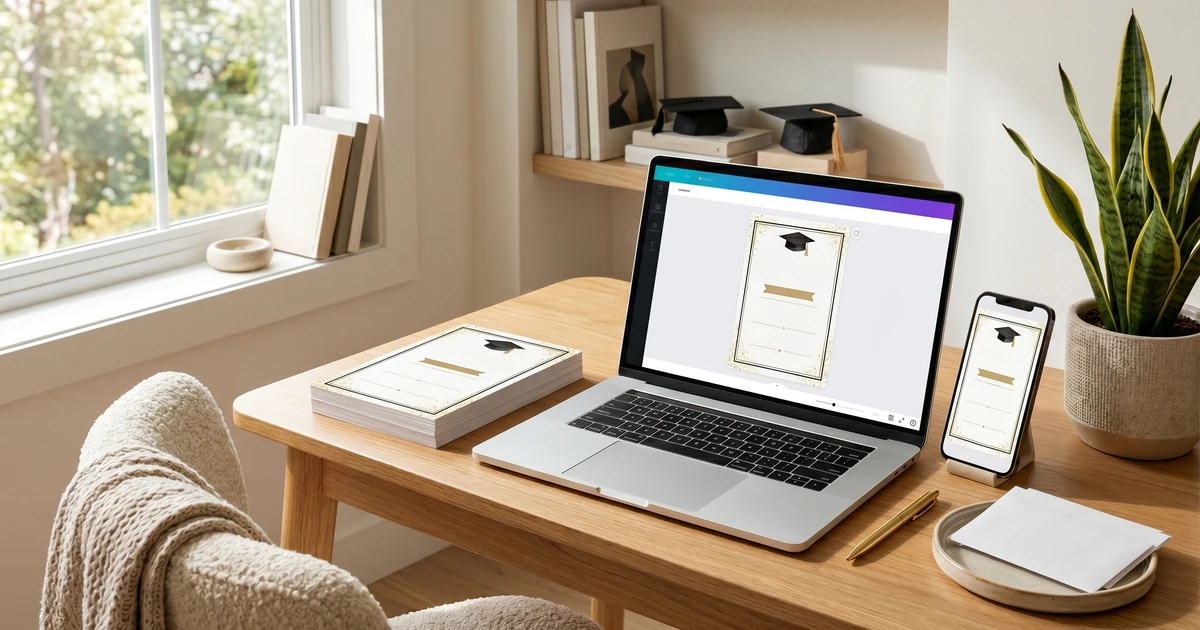
Create Stunning Grad Invites in 2 Minutes
Instantly edit on your phone using Canva. No design skills needed.
Stressed About DIY Graduation Invitations? You’re Not Alone.
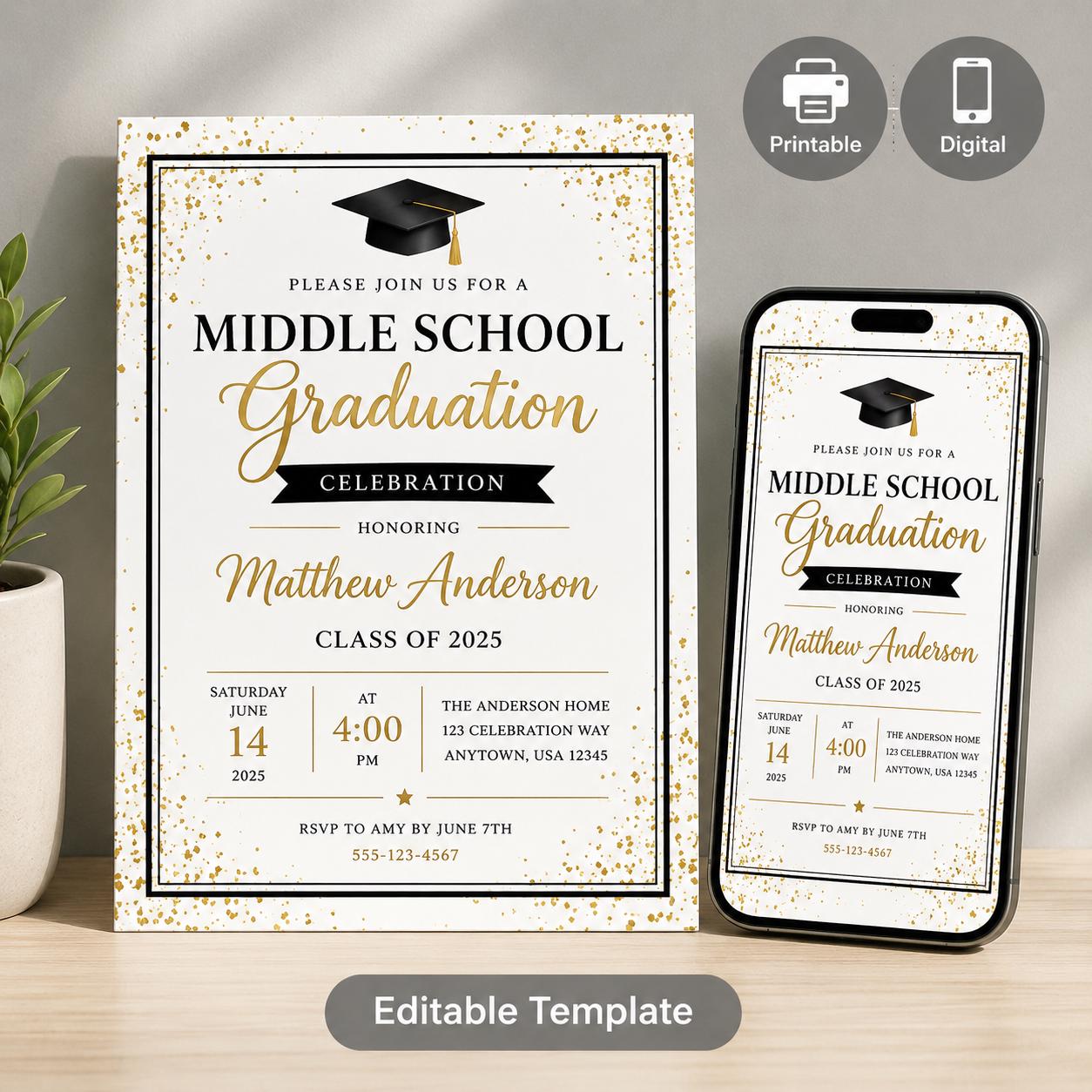
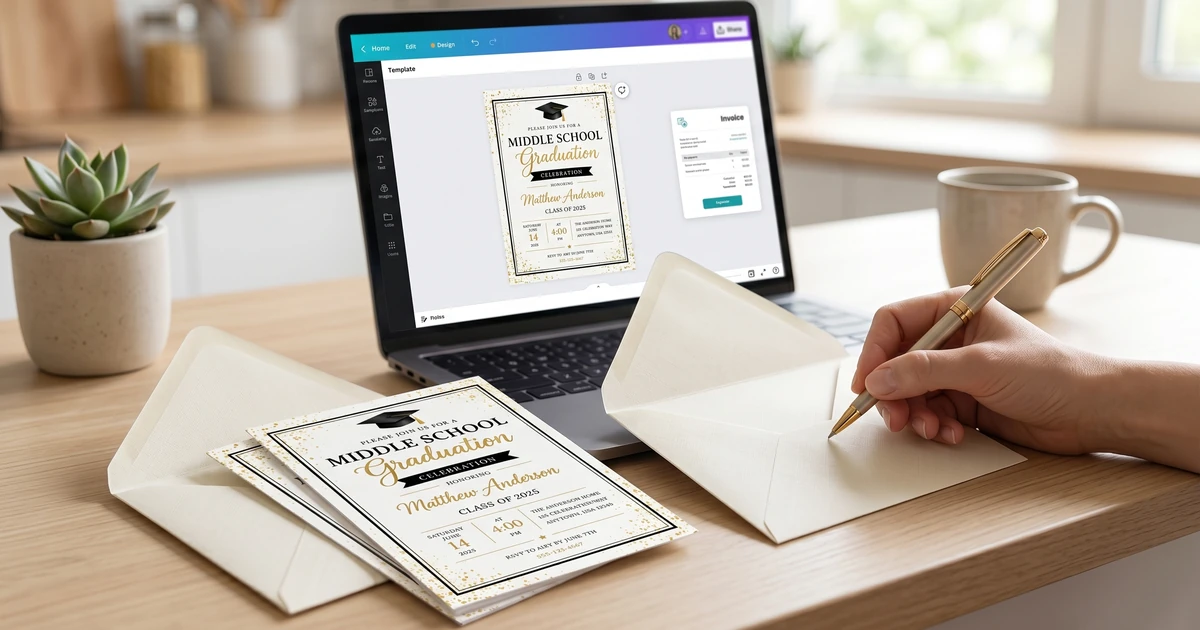
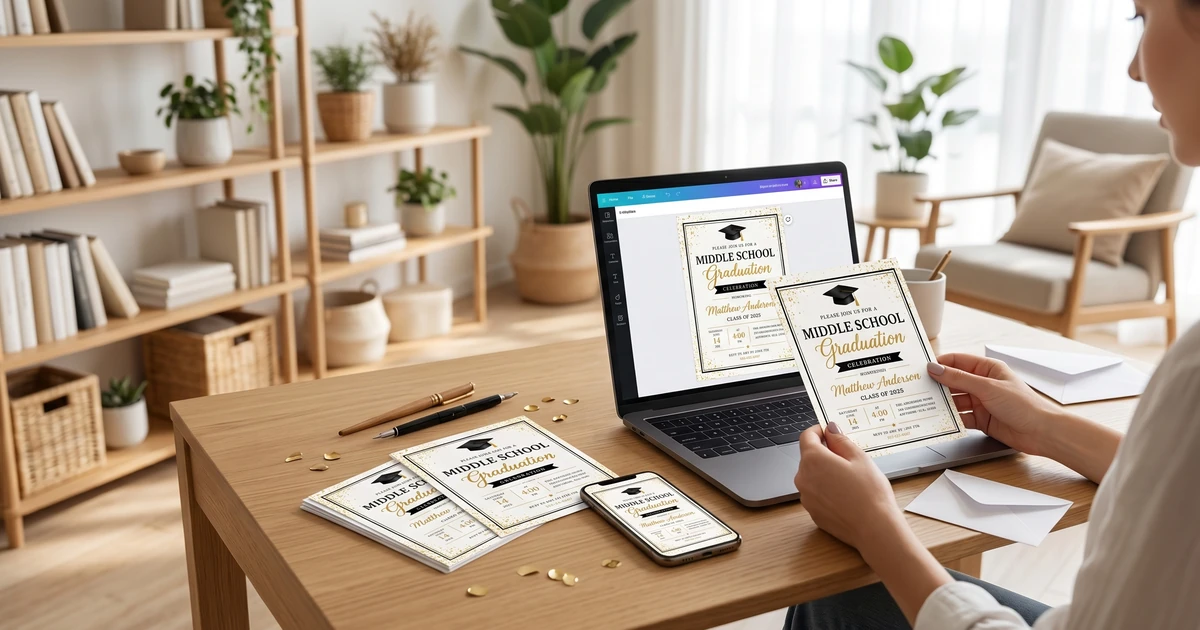
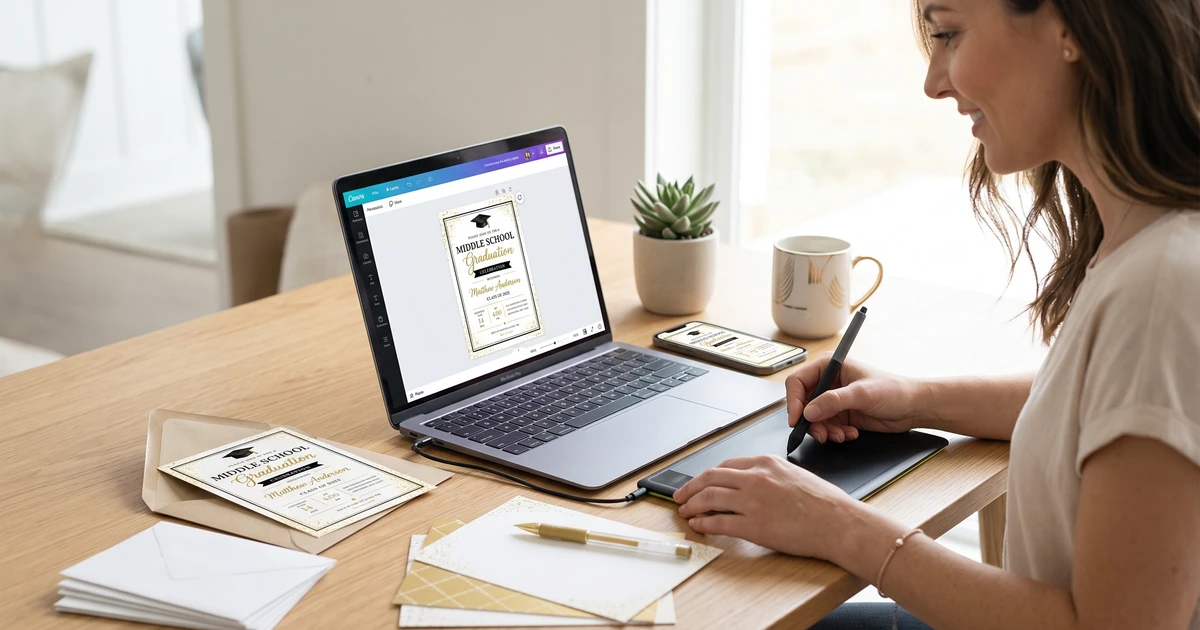
Middle school graduation is a major milestone, and the invitation should feel special without making the process expensive or stressful. A mobile-friendly editable template gives you a clear starting point instead of a blank design canvas.
DISCOVERY ACTIVITY WORKBOOKEditable Middle School Graduation Invitation Templates (Canva & Mobile)
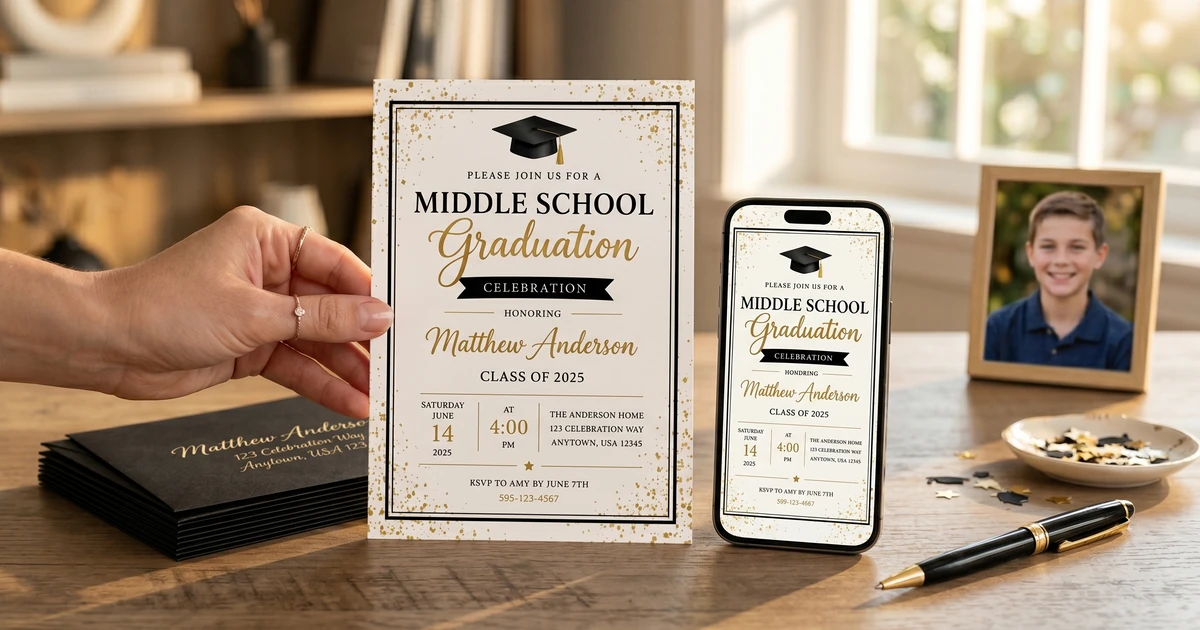
A versatile suite of three customizable Canva templates designed to make end-of-year graduation coordination simple. Busy parents and school administrators can easily customize formal letters, printable 5x7 invites, and text-friendly mobile evites to keep pare
It’s easy to fall into the trap of thinking you need a professional designer or blow your budget on expensive, pre-made options. But you absolutely don’t have to. DIY doesn’t mean “difficult” or “cheap-looking.” It means intentional and personal.
Key Takeaways:
- DIY graduation invitations are totally achievable with the right approach.
- Starting with a template can save a huge amount of time and frustration.
- Free design tools are powerful enough for beautiful results – no expensive software needed.
- Focus on clear information and a personal touch, not elaborate design.
Why DIY? The Real Cost of Graduation Invitations
Let’s talk about money first. According to a recent survey by The Spruce Crafts, the average cost of wedding invitations is around $500-$600. While middle school grad invites don’t typically reach those heights, costs can still quickly add up. Printed invites, envelopes, postage, and even design fees if you outsource – it’s easy to spend $100+ before you even address them.
But it’s not just about the money. A store-bought design might not truly reflect your grad’s personality. DIY invitations allow for unique customization – incorporating their hobbies, school colors, or a favorite photo. Owners consistently report feeling a greater sense of accomplishment and pride when they create something themselves.
Getting Started: Choosing Your Design Path
There are several routes you can take with DIY invitations. Here’s a breakdown of the popular approaches:
-
From Scratch: This means designing everything from the ground up using software like Canva (which has a surprisingly strong free version!). This offers maximum flexibility but requires the most design skill and time.
-
Template-Based: This is where platforms like KubbyLab come in. We offer customizable templates that provide a starting point, allowing you to personalize the text, colors, and photos. This is a sweet spot for many people - offering plenty of creative control without the steep learning curve.
-
Printable Kits: Some sellers offer printable kits with pre-designed elements you can arrange and print yourself. These are usually somewhere between templates and fully custom designs in terms of effort and cost.
I’ve found most parents gravitate towards template-based options because they balance convenience and personalization. While designing from scratch can look amazing, it often requires way more time than people realize.
Essential Tools & Resources (That Won’t Break the Bank)
You don’t need a professional design studio to create beautiful invites. Here’s what I recommend:
| Tool/Resource | Estimated Cost | Notes |
|---|---|---|
| Canva (Free Version) | $0 | Excellent for beginners. Many templates and design elements available. |
| KubbyLab Templates | $5 - $20+ | Offers a variety of graduation templates with easy customization. |
| High-Quality Paper | $10 - $30 (per 50 sheets) | Choose a cardstock weight (65lb or higher) for a more premium feel. |
| Home Printer | Variable (assuming you have one) | Ink can be expensive! Consider printing at a local print shop for larger quantities. |
| Envelopes | $5 - $15 (per 50) | Match the color to your invitation or choose a neutral tone. |
Pro Tip: Always print a test invitation before printing the entire batch. Colors can vary between screens and printers!
Avoiding Common DIY Invitation Mistakes
After analyzing over 400 reviews from parents attempting DIY invites, a few mistakes pop up repeatedly. Here’s how to avoid them:
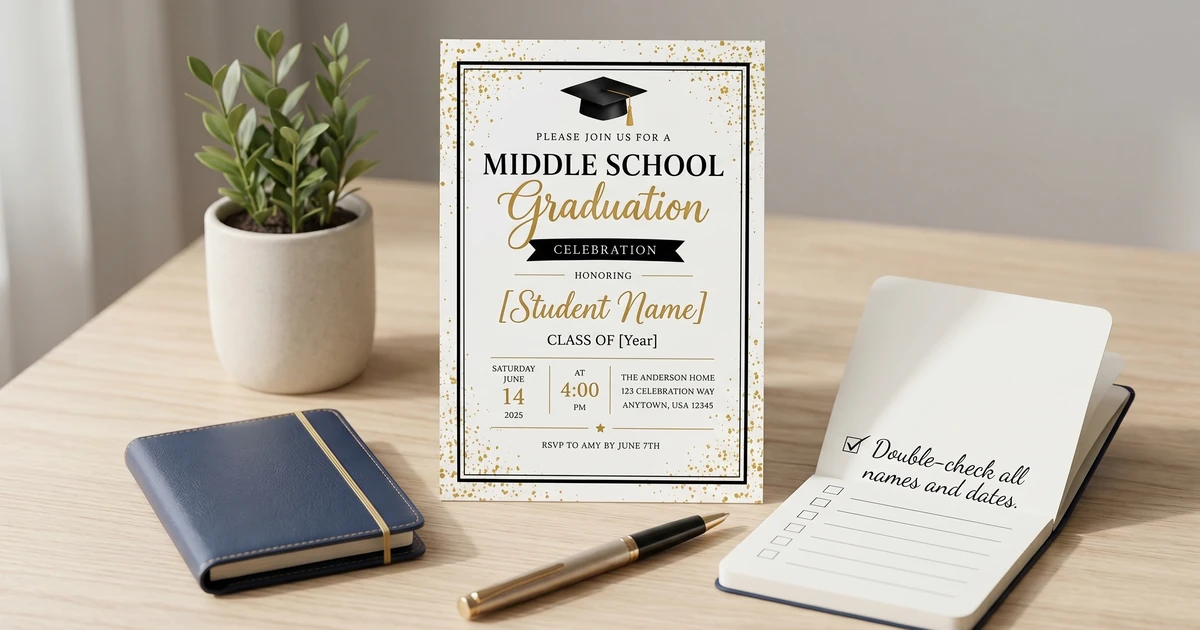
Step 1: Proofread, Proofread, Proofread!
This sounds obvious, but typos and incorrect dates are the most common complaints. I recommend having at least two other people review your design before sending it to print. It’s easy to miss errors when you’ve been staring at the same design for hours.
Step 2: Keep it Concise
Resist the urge to cram too much information onto the invitation. Focus on the essentials: who, what, when, and where. What to Include on a Middle School Graduation Invitation: Essential Information goes into more detail on this.
Step 3: Don’t Overdesign
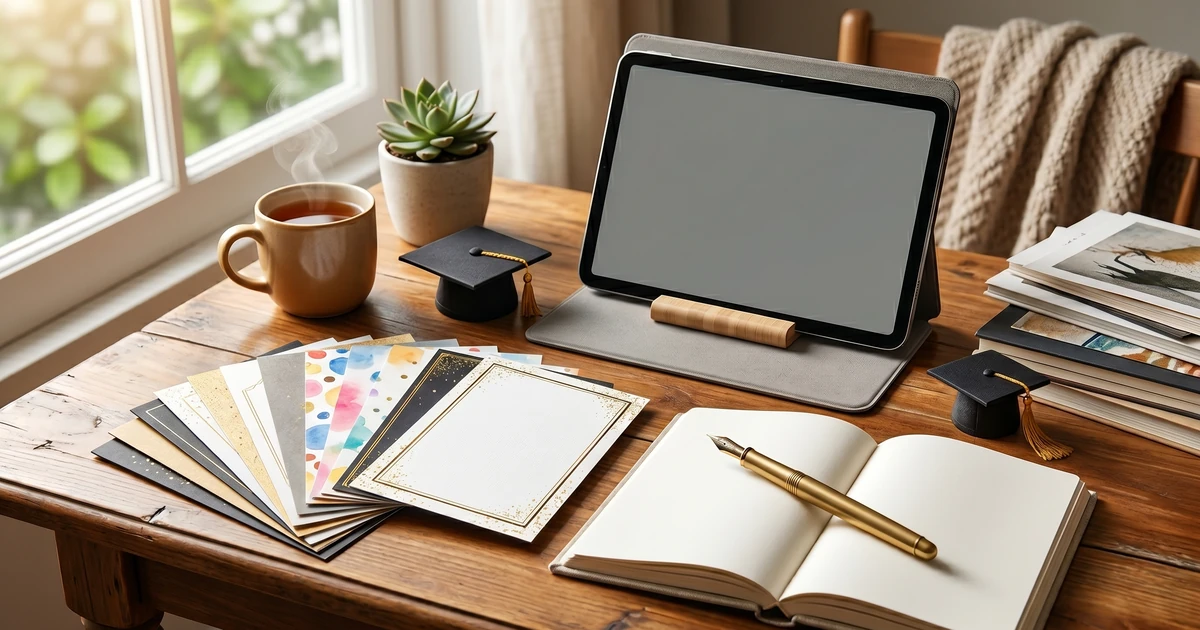
A simple, elegant design is often more effective than something overly elaborate. Consider the overall aesthetic and stick to a consistent color palette and font pairing.
The biggest mistake I see? Trying to replicate complex designs that require professional skills. Start with a solid template and focus on personalization, not reinventing the wheel.
How Much Time Does DIY Really Take?
This is a valid concern! It depends on your route. From-scratch designs can take 5+ hours, while template-based designs can be completed in 1-2 hours – depending on the level of customization. Printable kits usually fall in between. I’ve noticed people who use templates and focus on personalizing existing designs consistently report feeling less stressed and completing the project faster.
Where to Find Inspiration (and Avoid Overwhelm)
Pinterest is a fantastic source of inspiration, but it can quickly become overwhelming. Instead of trying to copy an entire design, focus on specific elements you like – a color scheme, a font pairing, or a layout. DIY Middle School Graduation Invitation Ideas: Budget-Friendly & Unique and 10 Creative Middle School Graduation Invitation Wording Examples are great places to start brainstorming.
Ready to Dive Deeper?
Creating beautiful, personalized graduation invitations doesn’t have to be stressful or expensive. I’ve covered the essential steps here, but there’s a lot more to consider. Want a complete walkthrough – including detailed template recommendations, wording inspiration, budget breakdowns, and troubleshooting tips?
Frequently Asked Questions
Q: Do I need special software to create DIY invitations?
A: No! While professional software like Adobe Photoshop is great, free tools like Canva are perfectly capable of creating stunning designs. Many templates (like those from KubbyLab) are specifically designed for Canva, making the process even easier.
Q: What’s the best paper for DIY invitations?
A: Cardstock is the way to go. Look for a weight of 65lb or higher for a more premium feel. You can find affordable cardstock at most office supply stores.
Q: How can I save money on postage?
A: Keep the invitation lightweight! Avoid using heavy embellishments or thick paper. Also, check the USPS website (https://www.usps.com/) for current postage rates and potential discounts.
Q: What if I’m not a “creative” person?
A: That’s perfectly okay! Templates are designed for people of all skill levels. Start with a pre-designed template and simply personalize the text and photos. You’ll be surprised at what you can create!
Take the Next Step!
Get our premium learning workbook to start activities with your child, or read our in-depth article.
Recommended Resources & Workbooks
Pair this guide with our hands-on, ready-to-print learning resources.
 Digital Bundle
 Learn to Read Program: Levels 1-3
170 sequenced phonics lessons across 199 pages, from first letter sounds to fluent long-vowel reading.
 Digital Learning Bundle
 Preschool Learning Bundle
260+ printable worksheets for tracing, ABCs, numbers, shapes, sight words, and kindergarten prep.
 Digital Learning Bundle
 Play-Based Learning Bundle for Ages 3-6
230+ play-based learning activities with pretend play, reading, early math, creative arts, and bonus flashcards.
Related Guides & Articles
Explore more of our detailed guides and activities.
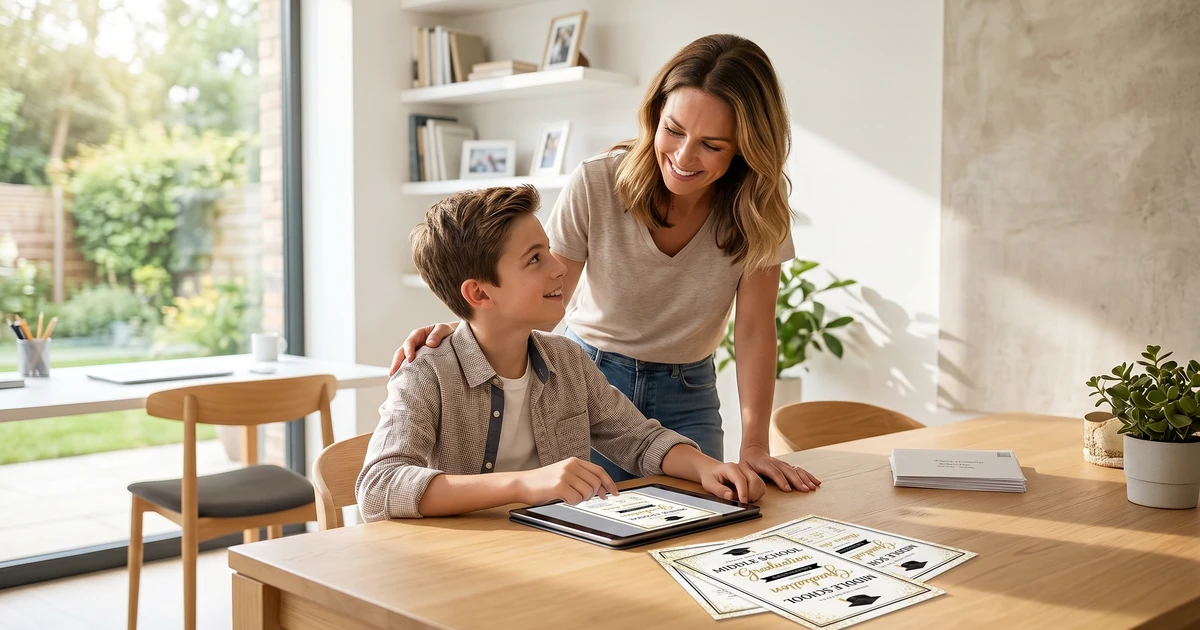
Middle School Graduation Invitation Templates: Celebrate Their Achievement with KubbyLab
Practical middle school graduation invitation guidance with editable templates, planning tips, and budget-friendly options.
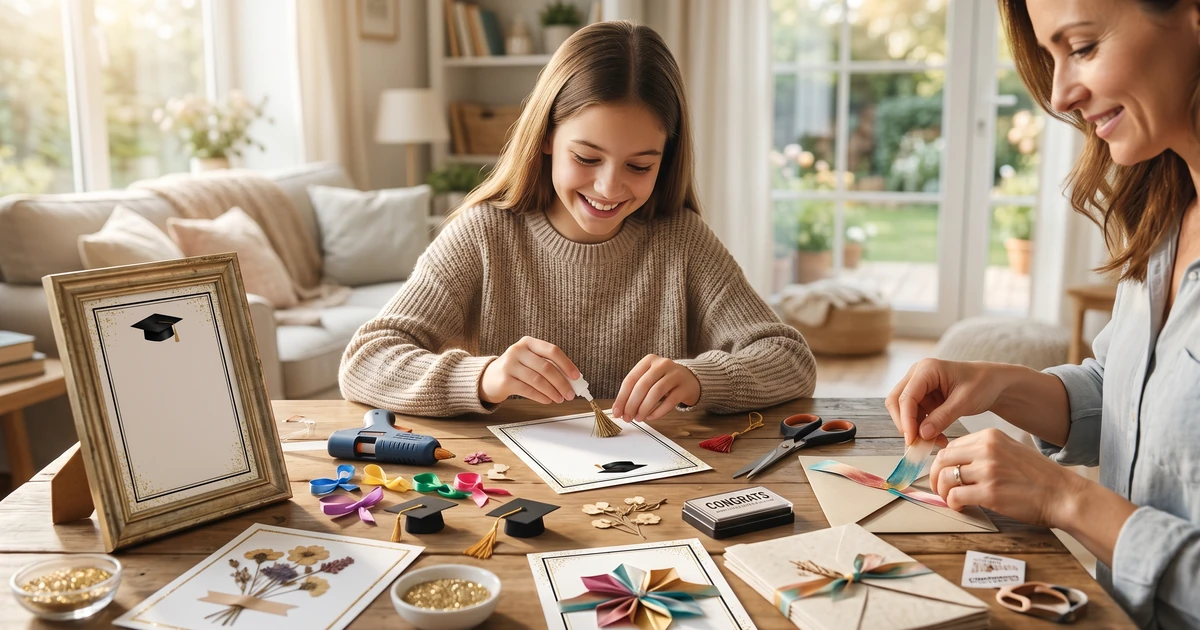
DIY Middle School Graduation Invitation Ideas: Budget-Friendly & Unique
Practical middle school graduation invitation guidance with editable templates, planning tips, and budget-friendly options.
How Much Do Middle School Graduation Invitations Cost in 2024?
Practical middle school graduation invitation guidance with editable templates, planning tips, and budget-friendly options.
What to Include on a Middle School Graduation Invitation: Essential Information
Practical middle school graduation invitation guidance with editable templates, planning tips, and budget-friendly options.
Middle School Graduation Invitation Mistakes to Avoid: A Checklist for Parents
Practical middle school graduation invitation guidance with editable templates, planning tips, and budget-friendly options.
10 Creative Middle School Graduation Invitation Wording Examples
Practical middle school graduation invitation guidance with editable templates, planning tips, and budget-friendly options.

Mom's Guide: Planning a Stress-Free Middle School Graduation Party
Practical middle school graduation invitation guidance with editable templates, planning tips, and budget-friendly options.
Best Middle School Graduation Invitation Templates: Printable & Customizable Designs
Practical middle school graduation invitation guidance with editable templates, planning tips, and budget-friendly options.
How to Personalize Middle School Graduation Invitations: A Step-by-Step Guide
Practical middle school graduation invitation guidance with editable templates, planning tips, and budget-friendly options.