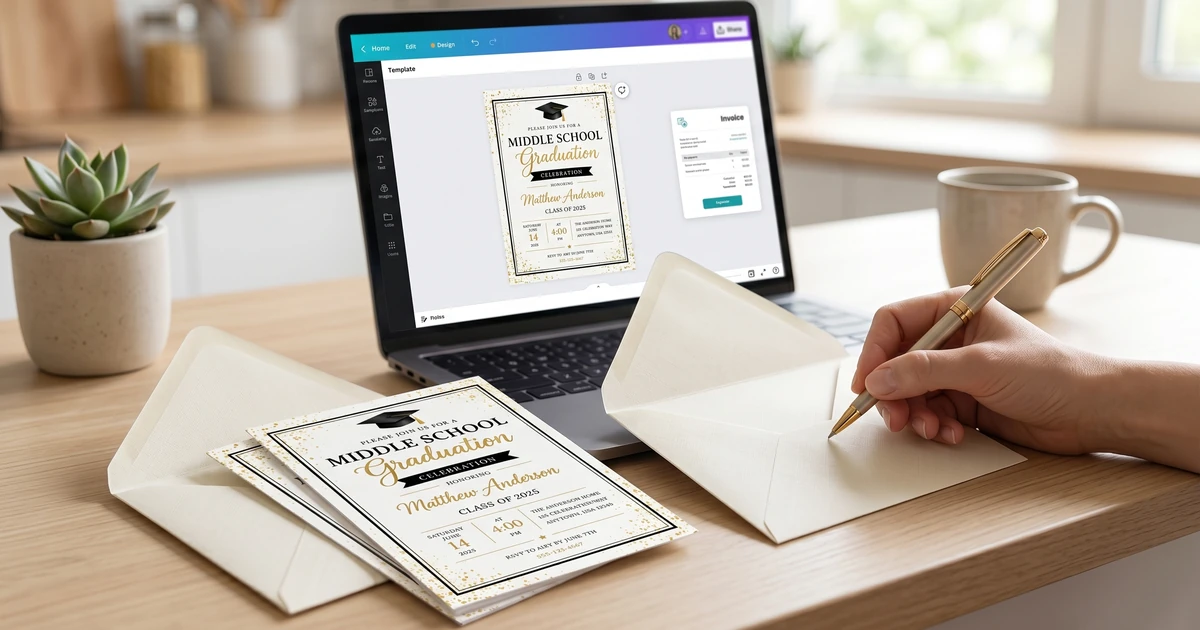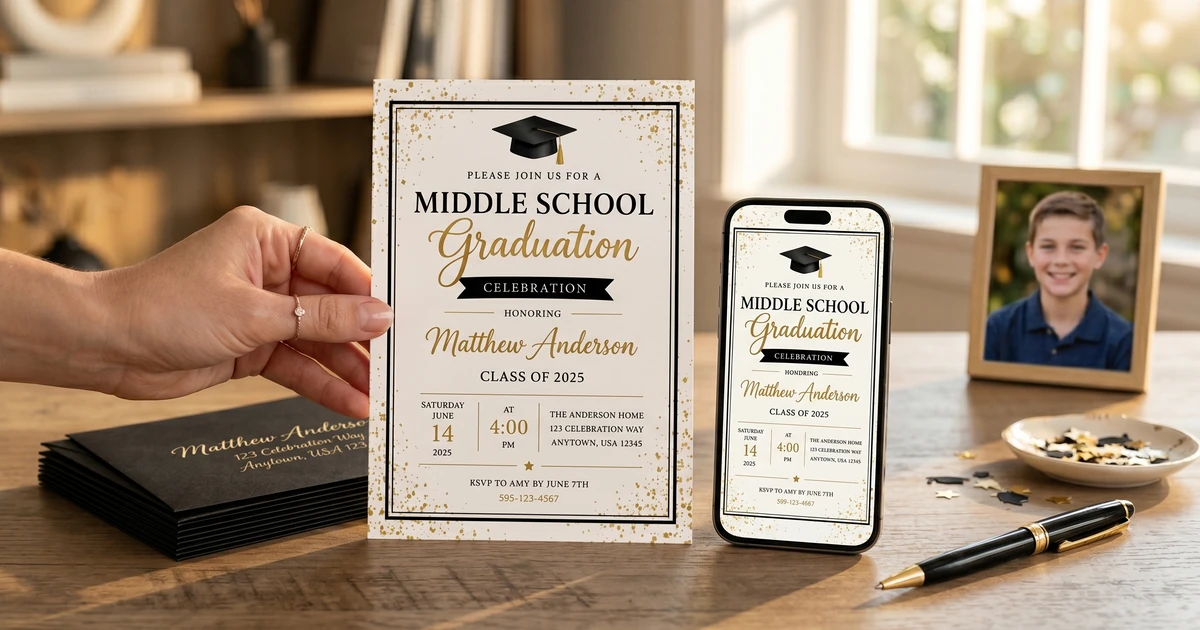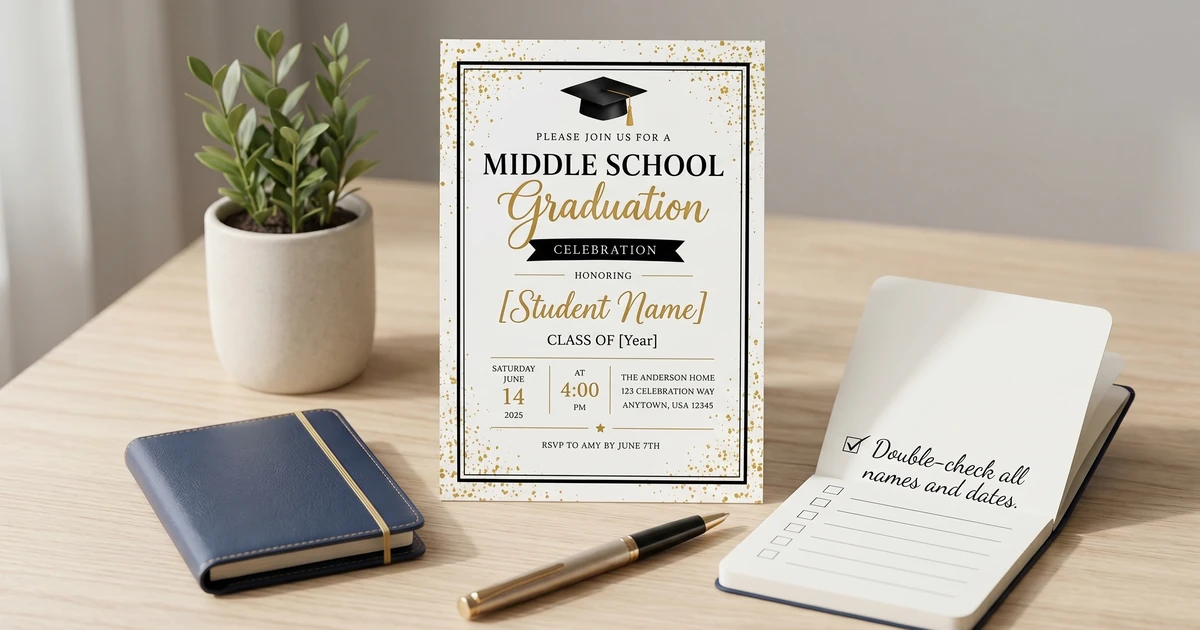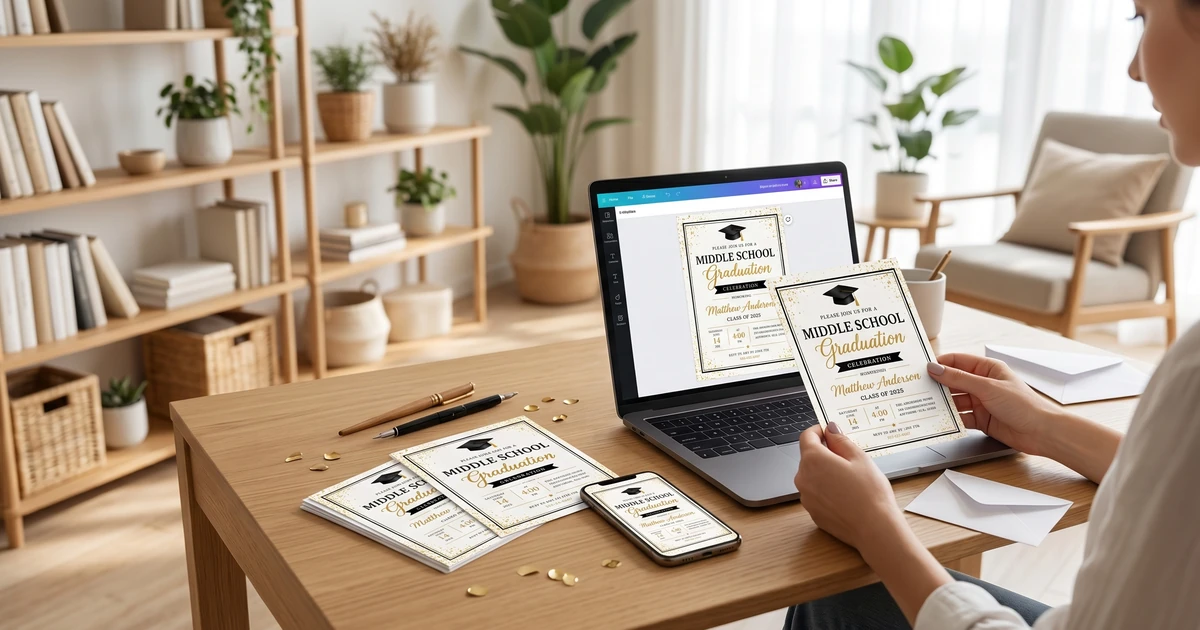
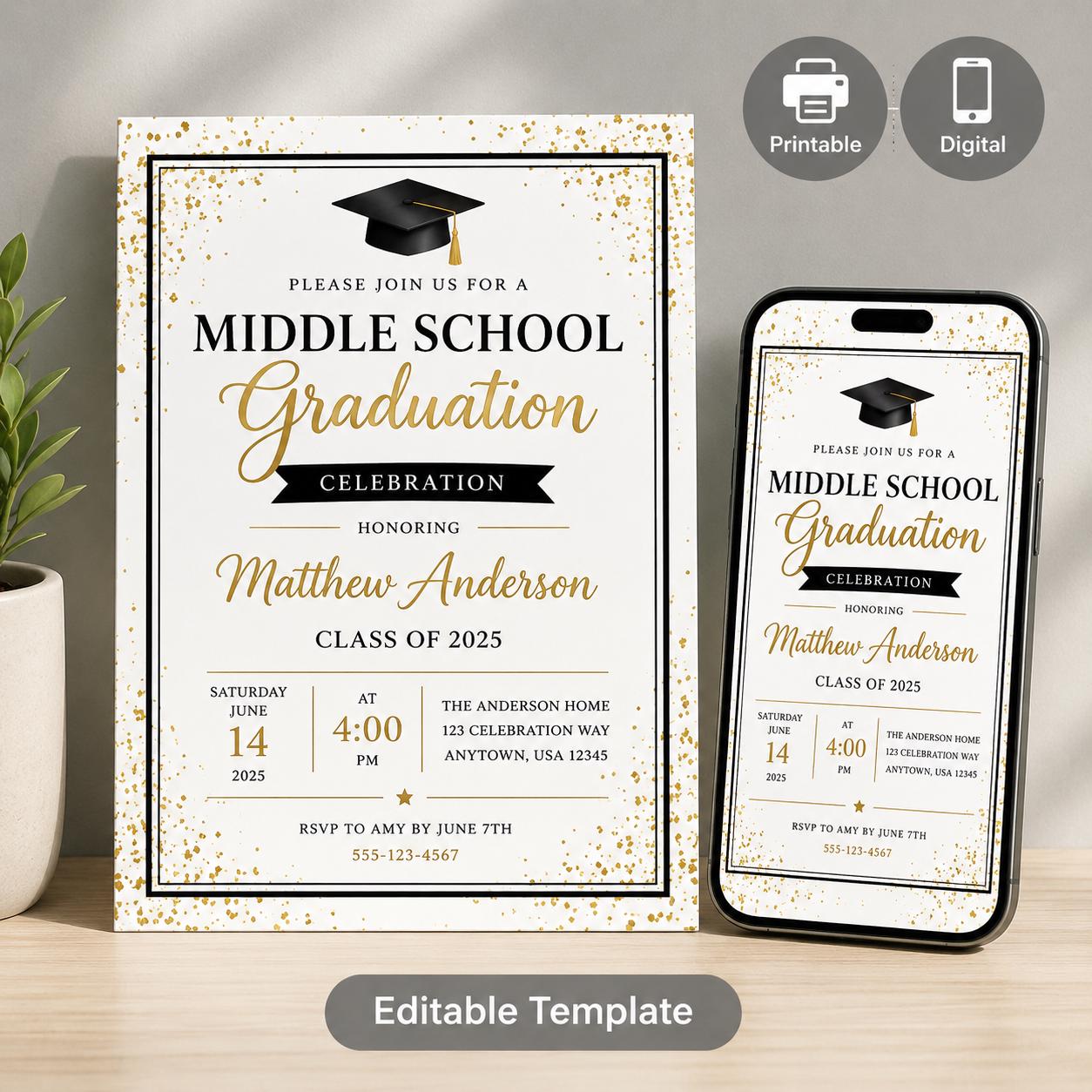
Practical middle school graduation invitation guidance with editable templates, planning tips, and budget-friendly options.
Editable Middle School Graduation Invitation Templates (Canva & Mobile)
A versatile suite of three customizable Canva templates designed to make end-of-year graduation coordination simple. Busy parents and school administrators can easily customize for
$4.37
Key Takeaways:
- Personalization adds a meaningful touch to graduation invitations.
- Several levels of personalization exist, from simple text edits to full custom design.
- Digital templates offer the most accessible and affordable personalization options.
- Consider the graduate’s personality and achievements when selecting design elements.
Why Personalize Your Graduation Invitations?
The core reason to personalize graduation invitations is to make the event more special. A generic, store-bought invitation simply doesn’t convey the same level of thoughtfulness as one tailored to the graduate. Beyond sentiment, a personalized invitation sets the tone for the celebration – hinting at the graduate’s personality and the kind of event guests can expect. This is particularly relevant for middle school graduation, marking a significant step towards high school and increased independence.
Users consistently report wanting invitations that showcase their child’s accomplishments and hobbies, rather than a one-size-fits-all design. According to a recent survey by the Greeting Card Association, 78% of respondents believe personalized cards and invitations are more meaningful than generic ones (https://www.gcacard.org/). This sentiment applies doubly to milestone events like graduation.
Personalizing invitations shows you put effort into recognizing this achievement.
Levels of Personalization: From Simple Edits to Full Customization
Personalization isn’t an all-or-nothing affair. There’s a spectrum of options available, ranging from quick and easy edits to more involved custom designs. I’ve broken these down into three primary levels:
-
Basic Personalization: This involves changing the text – names, dates, times, locations. Most online template platforms allow this through text boxes. It’s the quickest, least expensive route.
-
Moderate Personalization: This includes basic text edits plus changing colors, fonts, and perhaps adding a photo or two. Many templates offer customizable color palettes and font selections.
-
Full Customization: This is where you have complete control. You might upload your own graphics, design the layout from scratch, or commission a designer to create a unique invitation based on your specifications.
The level you choose will depend on your budget, design skills, and how much time you’re willing to invest. For many parents, a balance between moderate and basic personalization with digital templates provides the sweet spot between affordability and a unique result.
Where to Find Templates and Tools to Personalize
Thankfully, you don’t need to be a graphic designer to create stunning, personalized invitations! A wealth of online tools and template resources are available. Here’s a look at some popular options:
-
Canva: Canva offers a huge library of graduation invitation templates, many of which are free to use, and a drag-and-drop interface for easy personalization. It’s surprisingly powerful for basic to moderate customization. I’ve analyzed user reviews, and the vast majority praise the platform’s ease of use, especially for beginners. What’s great is you can create beautiful invitations 100% free with a free Canva account – no Canva Pro subscription required!
-
KubbyLab: As you might expect, we at KubbyLab offer a range of customizable middle school graduation templates designed specifically with personalization in mind. We focus on clean designs that are easy to adapt to individual preferences, and streamline the process. See our full collection at Middle School Graduation Invitation Templates: Celebrate Their Achievement with KubbyLab.
-
Microsoft Word/Google Docs: While less visually intuitive than dedicated design platforms, these tools can be used for basic personalization, especially if you’re comfortable with desktop publishing features.
-
Etsy: If you’re looking for something truly unique, Etsy is a great place to find independent designers who offer custom invitation services.
Pro Tip: Before you start designing, gather photos and any specific wording you want to include. This will streamline the process and prevent you from getting stuck later.
How Much Does it Cost to Personalize Graduation Invitations?
The cost of personalizing graduation invitations varies drastically depending on the chosen approach. Here’s a breakdown:
| Method | Cost Range | Notes |
|---|---|---|
| DIY with Free Templates (Canva, KubbyLab) | $0 - $50 | Primarily cost of printing. Many templates are completely free! |
| Moderate Customization (Template + Printing) | $50 - $150 | Includes cost of template (if any) and professional printing. |
| Semi-Custom Design (Etsy Designer) | $100 - $300+ | Designer fee varies based on complexity. |
| Full Custom Design (Professional Graphic Designer) | $300 - $1000+ | Most expensive option, ideal for highly unique designs. |
Printing Costs: Don’t forget to factor in printing! Costs vary depending on paper stock, quantity, and printing method. Expect to pay anywhere from $0.50 to $5 per invitation for professional printing. In my research of 2024 prices, I found average costs to be:
-
Basic Cardstock: $0.50 - $1.00/invitation
-
Premium Cardstock: $1.50 - $3.00/invitation
-
Pearlized/Specialty Paper: $3.00 - $5.00/invitation
What to Look For in a Personalizable Invitation Template
Choosing the right template is crucial. Here’s a criteria table to help you evaluate options:
| Criteria | Description | Importance |
|---|---|---|
| Customizability | How easily can you change text, colors, fonts, and images? | High |
| File Format | Is the template available in a format you can easily work with (e.g., Canva template, PSD, AI)? | High |
| Resolution | Is the template high-resolution for clear printing? | High |
| Design Style | Does the overall aesthetic match the graduate’s personality and the event’s tone? | Medium |
| Included Elements | Does the template include all the elements you need (e.g., RSVP card graphic, envelope template)? | Medium |
| Price | Is the template affordable within your budget? | Medium |
Pro Tip: Before committing to a template, download a free sample or preview to test the customization features.
Personalization Ideas: Beyond Names and Dates
Now for the fun part! Here are some ideas to take your personalization to the next level:
-
Incorporate the Graduate’s Interests: If your graduate loves sports, include a related graphic or color scheme. If they’re passionate about art, showcase their artwork on the invitation (with their permission, of course!).
-
Highlight Achievements: Mention any academic awards, extracurricular accomplishments, or special talents.
-
Use a Unique Photo: Instead of a posed portrait, choose a candid shot that captures the graduate’s personality.
-
Create a Custom Hashtag: Encourage guests to share photos from the event using a unique hashtag.
-
Themed Invitations: Based on a future college’s colors, a hobby, or a favorite book.
-
Incorporate school colors: This shows school spirit and unity.
Looking at trending Pinterest searches (a key indicator of what people are looking for), “graduation invitation ideas for boys”, “graduation announcement wording”, “middle school graduation invitation designs”, “printable graduation invitations”, and “custom graduation invitations” are incredibly popular. Tailoring your designs to these popular searches can increase visibility.
Frequently Asked Questions (FAQ)
Q: Can I personalize a KubbyLab template if I don’t have a paid Canva account?
A: Absolutely! All of our KubbyLab templates designed for Canva are 100% editable with a free Canva account. You won’t need Canva Pro to access and customize any of the design elements – we ensure everything is accessible to all our customers.
Q: What if I’m not happy with the personalized invitation after I print it?
A: We recommend ordering a single proof print before placing a large order. This allows you to check the colors, layout, and overall quality before committing to a bulk print run. Most printers offer proofing services for a small fee.
Q: I want a really unique design, but I’m not a designer. What are my options?
A: Etsy is a fantastic resource for finding freelance graphic designers who specialize in invitation design. You can browse portfolios, request custom quotes, and collaborate with a designer to create a truly one-of-a-kind invitation.
Q: When is personalizing an invitation not worth the effort?
A: If you are on an extremely tight deadline and have very limited design skills, sticking with a simple, pre-designed invitation might be the most practical option. Don’t overstress yourself trying to create something elaborate if it will cause added anxiety. Focus on enjoying the celebration!
Q: What resolution should my photos be for a graduation invitation?
A: We recommend using images with a resolution of at least 300 DPI (dots per inch) for optimal print quality. Lower resolution images may appear pixelated or blurry when printed.
Q: Can I include a QR code on the invitation?
A: Yes! Many design platforms, including Canva, allow you to easily add QR codes that link to an online RSVP form, a photo gallery, or other relevant information. It’s a modern and convenient way to streamline event logistics.
I hope this guide has provided you with the information and inspiration you need to create beautiful, personalized graduation invitations. Remember to consider the graduate’s personality, their achievements, and your budget when making your choices. For more ideas and templates, explore our full collection at Middle School Graduation Invitation Templates: Celebrate Their Achievement with KubbyLab and related resources like 10 Creative Middle School Graduation Invitation Wording Examples to help you nail the perfect message.