Practical middle school graduation invitation guidance with editable templates, planning tips, and budget-friendly options.
Editable Middle School Graduation Invitation Templates (Canva & Mobile)
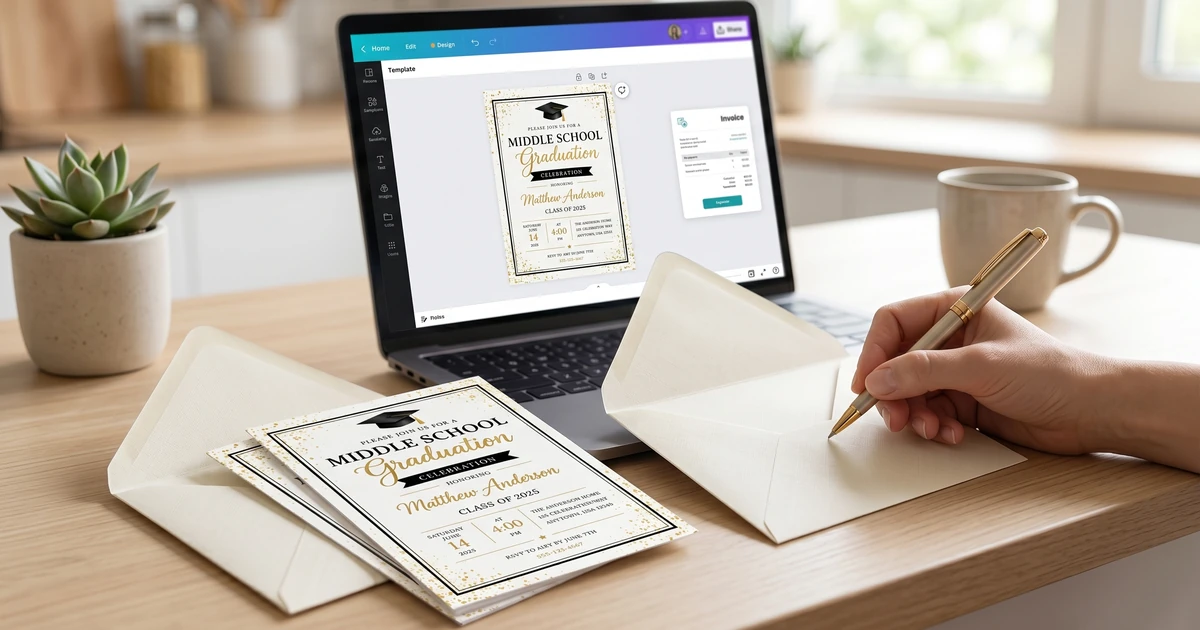
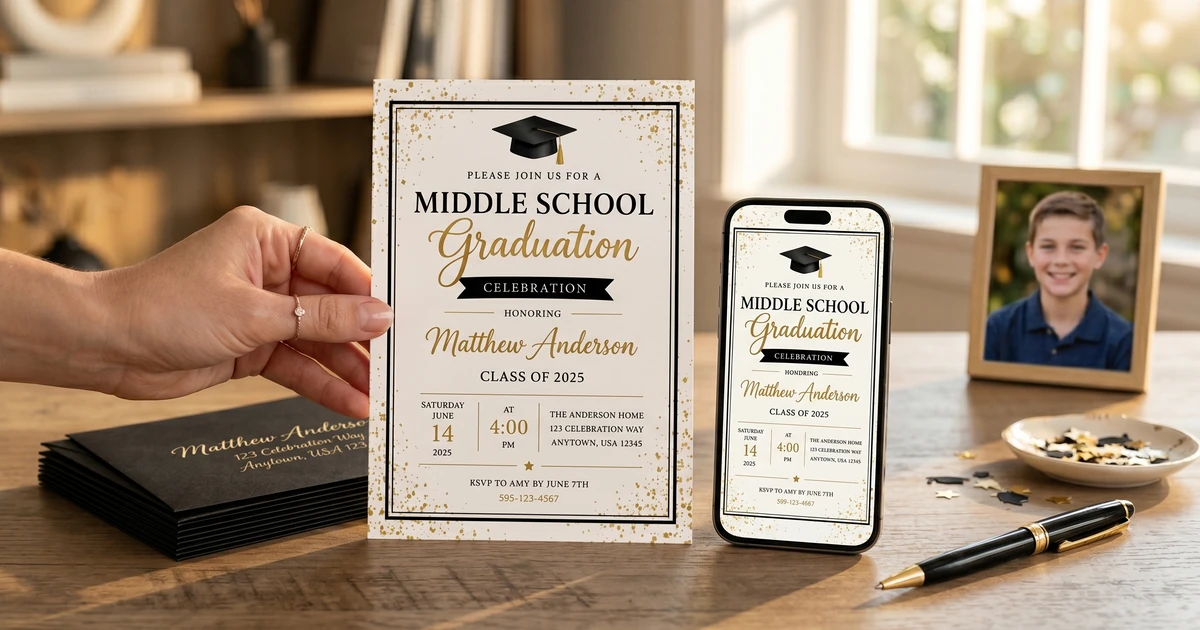
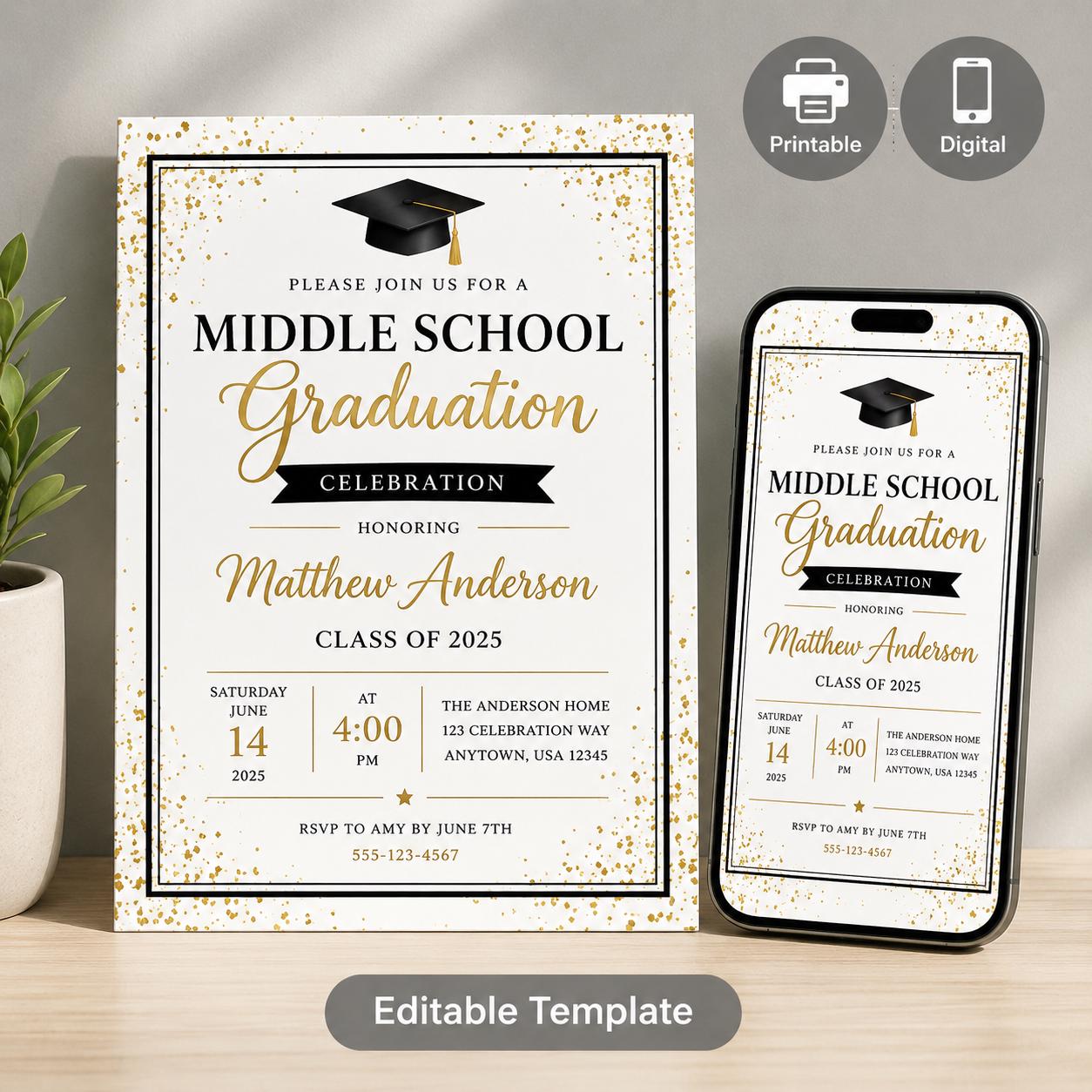
A versatile suite of three customizable Canva templates designed to make end-of-year graduation coordination simple. Busy parents and school administrators can easily customize for
$4.37
Key Takeaways:
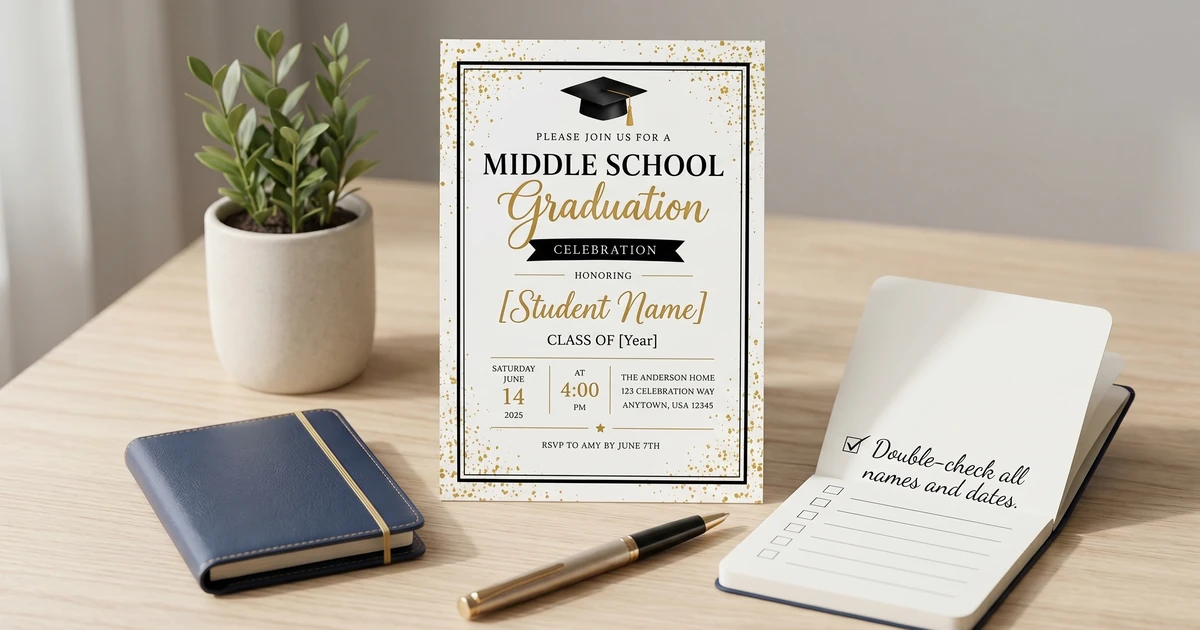
- Proofread everything multiple times - errors are the most common mistake.
- Order invitations with enough lead time to avoid rush fees and stress.
- Carefully consider your guest list and accurately account for attendees.
- Use a clear and consistent design aesthetic that reflects your graduate’s personality.
Why Graduate Invitations Matter – And Mistakes Matter More
A graduation invitation isn’t just a piece of paper; it’s a symbol of achievement and a formal announcement of a significant milestone. It’s the first glimpse guests get of the celebration you’ve planned, and a reflection of your graduate’s personality. I’ve found that parents often underestimate the impact a well-designed and error-free invitation can have on attendance and the overall feel of the event. A mistake, even a small one, can come across as careless and detract from the importance of the graduation. According to the Emily Post Institute (https://emilypost.com/), proper etiquette regarding formal invitations is still highly valued, even for less formal graduations like middle school.
Common Graduation Invitation Mistakes & How to Avoid Them
I’ve identified several frequently made errors based on customer feedback and online discussions. These range from logistical issues to design flaws.
1. Insufficient Lead Time: This is, by far, the biggest headache. Planning, designing, printing, and mailing invitations takes time. Don’t wait until the last minute! Owners consistently report stress and hefty rush-order fees when leaving things to the week before they need to be mailed. 2. Proofreading Errors: Typos, incorrect dates, misspellings of names – these are incredibly common and instantly detract from the professionalism of the invitation. I can’t emphasize this enough: always have multiple people proofread the invitation before finalizing it. 3. Inaccurate Guest List: Underestimating or overestimating your guest list can lead to logistical nightmares – not enough food, limited seating, or running out of favors. It’s crucial to have an accurate headcount. 4. Poor Design Choice: A cluttered, unfocused design can be overwhelming. It’s important to choose a design that’s visually appealing and easy to read. Consider your graduate’s personality and interests. 5. Forgetting Essential Information: Missing crucial details like the date, time, location, or RSVP information renders the invitation useless. See What to Include on a Middle School Graduation Invitation: Essential Information for a comprehensive checklist.
How Much Time Do You Really Need to Order Invitations?
According to my research, allowing 6-8 weeks for the entire process is ideal. Here’s a breakdown:
| Stage | Timeframe | Notes |
|---|---|---|
| Design Selection & Personalization | 1-2 weeks | This includes choosing a template (like those available at KubbyLab!), adding photos, and customizing the text. |
| Proofreading & Revisions | 1 week | This is crucial! Allow plenty of time for multiple rounds of review. |
| Printing | 1-2 weeks | Printing times can vary depending on the printer and paper stock. |
| Addressing & Mailing | 1-2 weeks | Factor in time for addressing, hand-applying stamps, and postal delivery. |
Cost Breakdown (Approximate):
| Item | Price Range | Notes |
|---|---|---|
| Basic Invitation Template (digital download) | $5 - $20 | KubbyLab offers a range of affordable options. |
| Professional Printing (per invitation) | $1 - $5 | Varies based on paper stock, quantity, and finishing. |
| Envelopes (per envelope) | $0.50 - $2 | Quality paper makes a difference. |
| Postage | $0.66 (standard) - $1.50+ (oversized/heavy) | As of 2024 rates. Check USPS for current pricing (https://www.usps.com/). |
Choosing the Right Style: Graduation Invitation Aesthetics for Middle Schoolers
Middle school graduation invitations differ from high school or college invites. They should be celebratory but also age-appropriate. I often advise parents to involve their graduate in the design process to reflect their personality. Some popular styles include:
-
Photo-Focused: Featuring a recent photo of the graduate.
-
Modern & Minimalist: Clean lines, simple fonts, and a contemporary color scheme. Modern graduation party invitations are trending!
-
Themed: Reflecting the graduate’s hobbies or interests (sports, music, art).
-
Classic & Traditional: A more formal style with elegant fonts and traditional wording.
When selecting a template or design, consider the overall theme of the party. You can find inspiration on Pinterest (be sure to save ideas to boards!) and explore different designs at Best Middle School Graduation Invitation Templates: Printable & Customizable Designs. I also recommend considering the envelope color to complement the invitation design.
Personalizing Invitations: Beyond Just a Name
You want your invitations to stand out! Personalization goes beyond simply adding the graduate’s name.
Step 1: Choose a Template: Start with a template that suits your style. I find that templates provide a great foundation. Step 2: Customize the Wording: Tailor the wording to reflect your graduate’s personality and achievements. Use 10 Creative Middle School Graduation Invitation Wording Examples as a starting point. Step 3: Add a Photo: A high-quality photo adds a personal touch. Step 4: Select Colors & Fonts: Choose colors and fonts that complement the design and reflect the graduate’s style. Step 5: Proofread, Proofread, Proofread!
I’ve seen firsthand how a thoughtful, personalized invitation makes guests feel genuinely invited and excited to celebrate. Use your invitations to showcase your graduate’s unique spirit!
DIY vs. Professional Printing: What’s the Best Option?
The choice between DIY and professional printing depends on your time, budget, and skills. DIY is often more affordable upfront, but it requires more effort. Professional printing offers higher quality and saves you time.
| Feature | DIY | Professional Printing |
|---|---|---|
| Cost | Lower (material costs only) | Higher (printing and potentially design fees) |
| Time | Significantly more time-consuming | Less time-consuming |
| Quality | Varies depending on your equipment and skills | Generally higher quality |
| Convenience | Less convenient | More convenient |
| Customization | Highly customizable | Customizable, but with some limitations |
If you are choosing to DIY, make sure you are using high-quality paper and have a reliable printer. I’ve seen many invitations ruined by streaky printing or incorrect paper settings. If you’re unsure, professional printing is the safer bet. You can explore different templates available at Middle School Graduation Invitation Templates: Celebrate Their Achievement with KubbyLab.
FAQ about Graduation Invitation Mistakes
Q: I accidentally spelled the graduate’s name wrong on the invitations. What should I do? A: Unfortunately, there isn’t a perfect solution. If it’s a minor typo, you can carefully correct it on each invitation with a fine-tipped pen. However, for a significant misspelling, the best course of action is to reprint and resend, even if it’s a rush order.
Q: I designed the invitations myself, but the colors look different when printed. Why? A: This is a common issue related to color calibration and printer settings. Always do a test print on the paper stock you plan to use before printing the entire batch. Adjust your printer settings as needed to match the colors on your screen.
Q: I ordered invitations, but they haven’t arrived yet, and the graduation is next week! What can I do? A: Contact the printing company immediately to track the shipment. If they can’t locate the package, ask about expedited reprinting and shipping. As a backup, consider sending a digital invitation as a temporary solution.
Q: When is NOT a good time to attempt a DIY invitation project? A: If you are already feeling overwhelmed with graduation planning and have currently available or design experience, DIY may add unnecessary stress. It’s perfectly acceptable (and often preferable) to outsource the design and printing to a professional.
Q: I’m on a tight budget. What are the most affordable graduation invitation options? A: Digital invitations are the most cost-effective option. You can design them yourself using free online tools. If you prefer physical invitations, look for simple templates and print them at home on cardstock.
Q: I accidentally included the wrong date on the RSVP card. How do I handle this? A: Include a separate small note with each invitation clarifying the correct RSVP date. Keep a record of any guests who contact you with questions about the date, and proactively apologize for the error.
Q: I forgot to include the RSVP information on the invitation. What now? A: You’ll need to contact guests directly – via phone or email – to request their RSVP. This is time-consuming, but essential for accurate headcount planning.
Q: What should I watch out for when choosing a template online? A: Ensure the template is customizable to your specific needs. Read the terms of use carefully to understand what elements you can modify and if there are any licensing restrictions. Also, be aware of the file format (e.g., PSD, AI, PDF) and whether you have the necessary software to edit it.
I hope this comprehensive guide helps you avoid common pitfalls and create beautiful, memorable graduation invitations. Remember to start planning early, proofread carefully, and involve your graduate in the process. And don’t hesitate to explore the resources available at KubbyLab, we’re here to help you celebrate this special milestone! You can further personalize and refine your invitations utilizing tips found in How to Personalize Middle School Graduation Invitations: A Step-by-Step Guide.