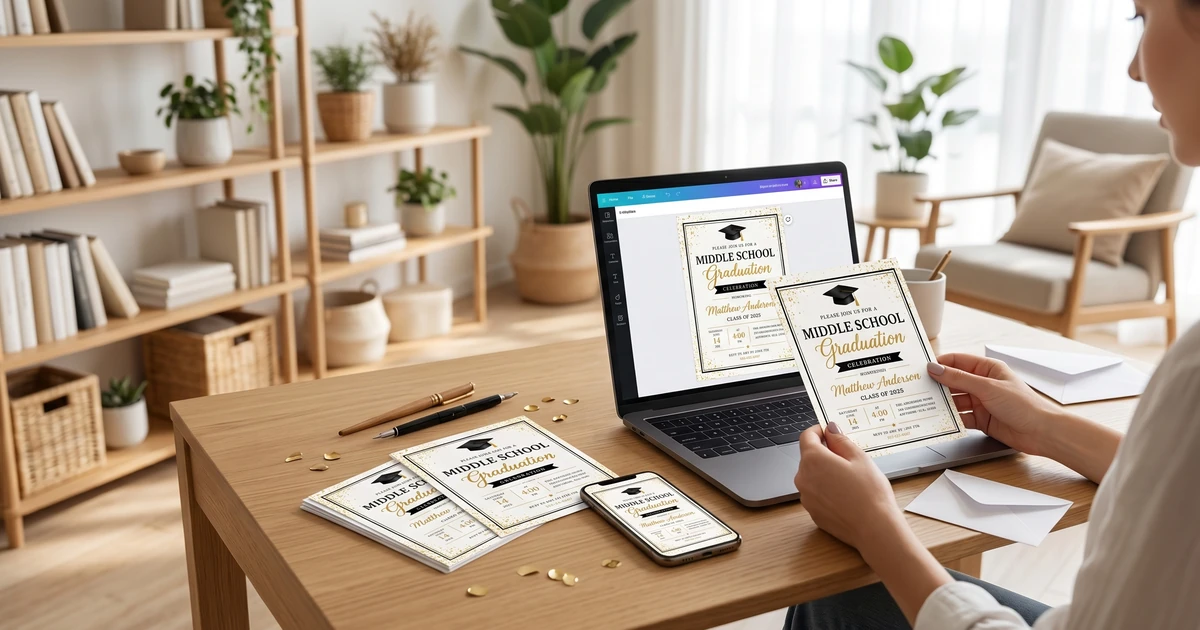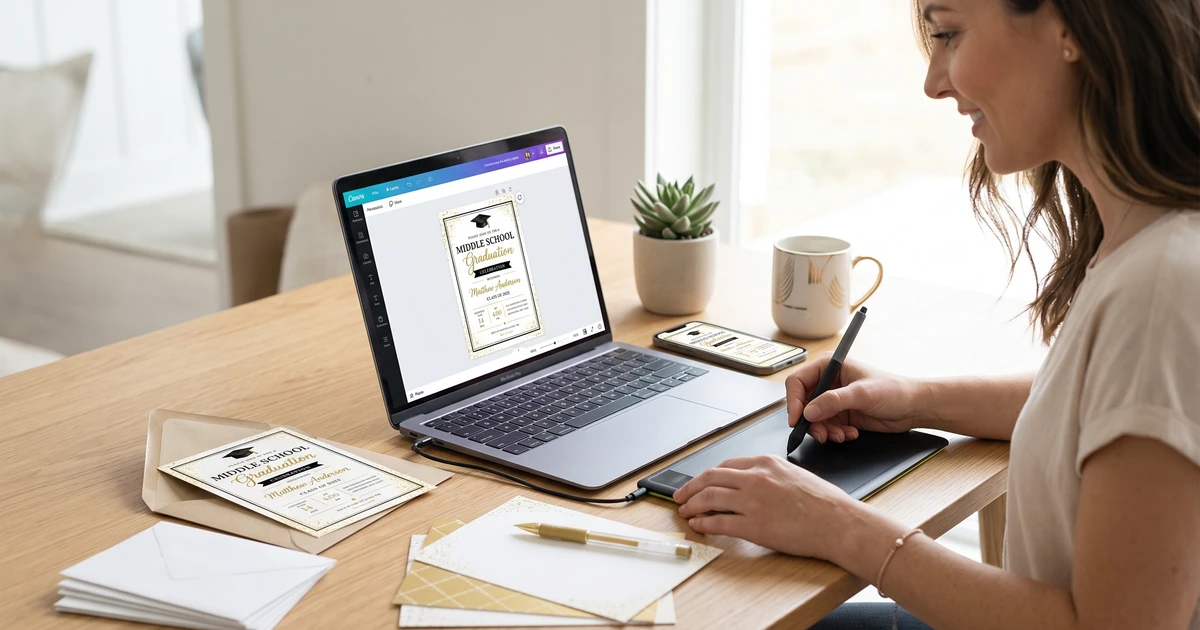
Practical middle school graduation invitation guidance with editable templates, planning tips, and budget-friendly options.
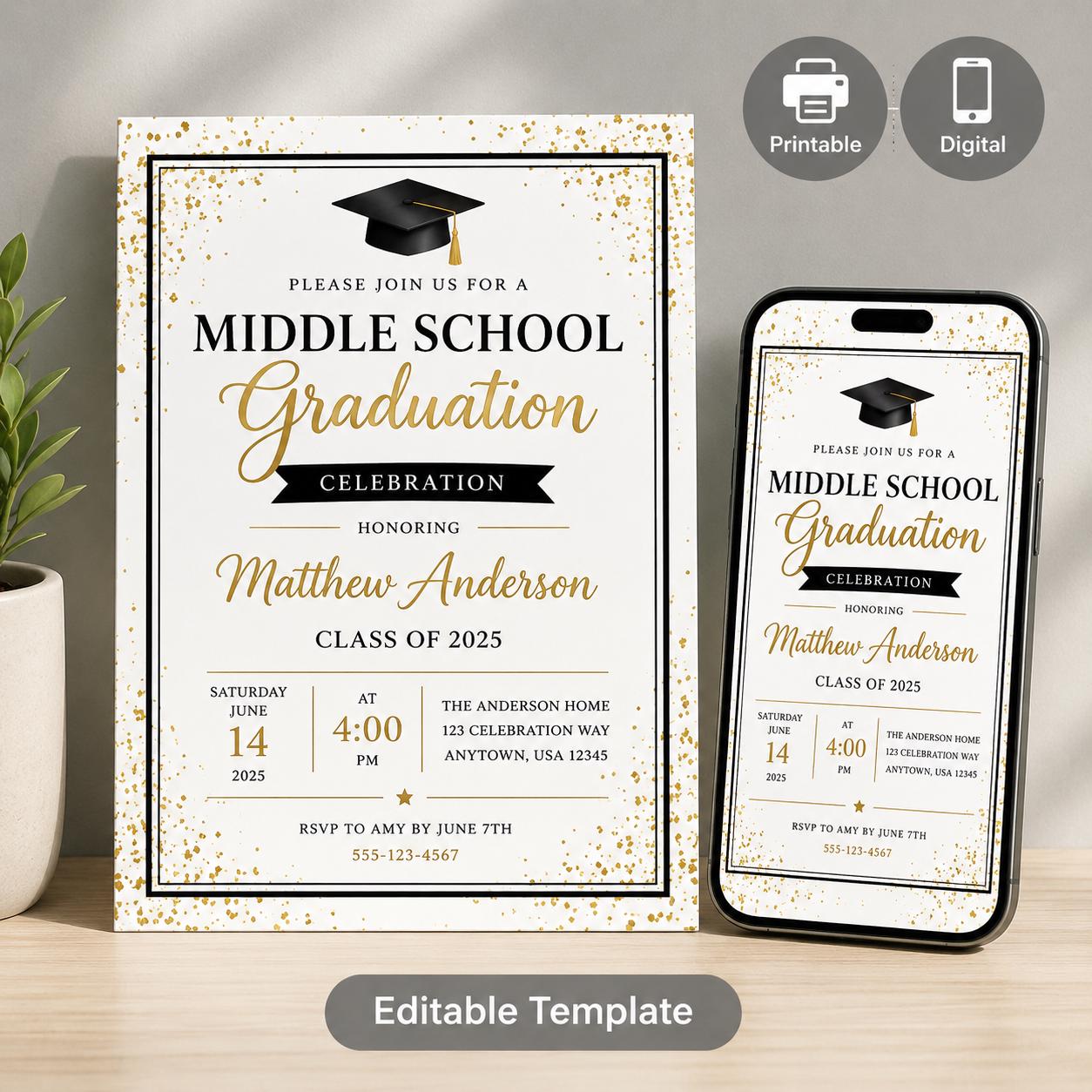
Editable Middle School Graduation Invitation Templates (Canva & Mobile)
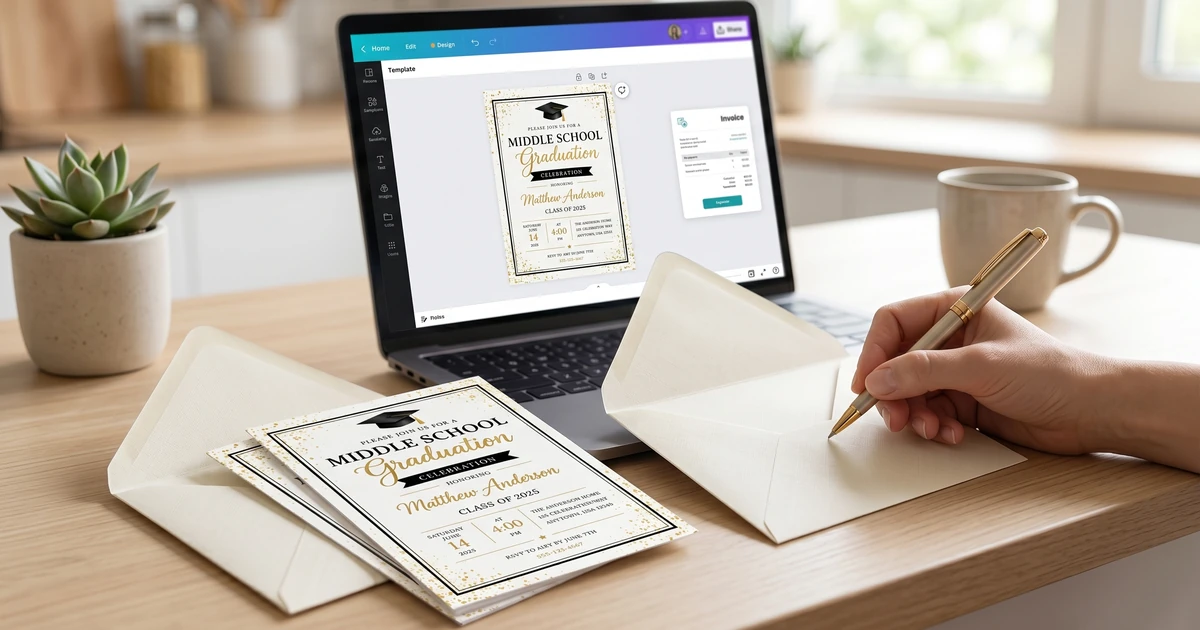
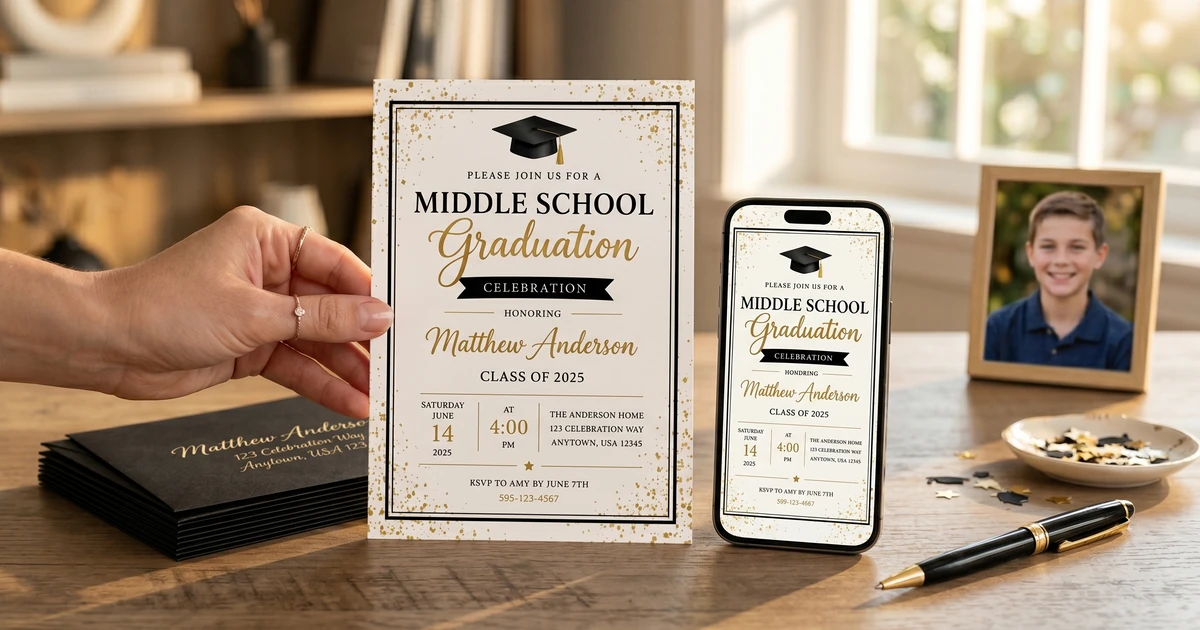
A versatile suite of three customizable Canva templates designed to make end-of-year graduation coordination simple. Busy parents and school administrators can easily customize for
$4.37
Key Takeaways:
- DIY invitations offer significant cost savings compared to professionally printed options.
- Success depends on the design complexity you choose and available time.
- Free design tools like Canva are incredibly powerful for creating professional-looking invitations.
- Careful planning and attention to detail are crucial for a polished final product.
Why Choose DIY Graduation Invitations?
The appeal of DIY graduation invitations is understandable. Middle school graduation, while significant, often doesn’t warrant the same level of expense as high school or college ceremonies. Creating your own invitations allows for complete creative control and significant savings. Many find the process itself to be a rewarding experience, a final crafting project to commemorate your child’s achievement. However, it’s important to be realistic about the time commitment involved.
According to a 2023 survey by The Greeting Card Association, approximately 20% of families opt for DIY invitations for middle school graduations, citing cost savings as the primary motivator. That number jumps to 5% for high school graduations as families often prefer professional printing for those milestone events. https://www.greetingcard.org/ Traditional professionally printed invitations can easily cost $2-$5 per invitation, plus envelope costs. DIY versions, depending on materials, can bring that cost down to under $1 per invitation, even less if you utilize materials you already have.
The biggest benefit of DIY is personalization. You can perfectly match the invitation to your child’s personality and interests.
Popular DIY Graduation Invitation Styles
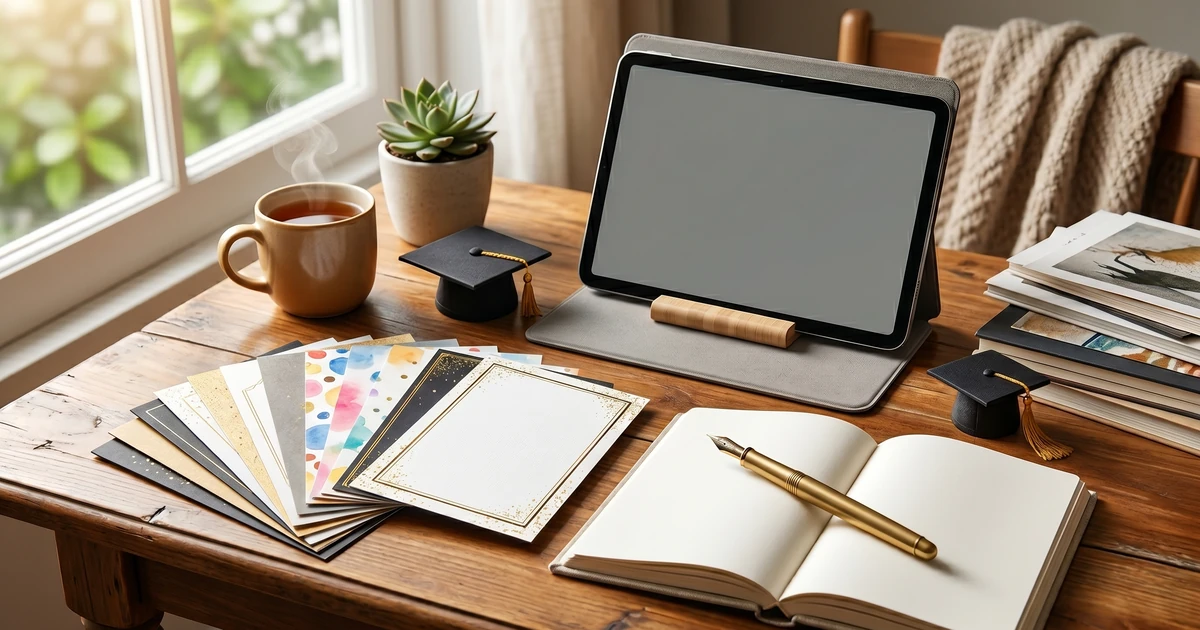
There’s a huge range of styles you can explore when embarking on DIY graduation invitations. Here are a few popular options, ranging from simple to more involved:
-
Printable Templates: These are readily available online (including KubbyLab’s options! – see Best Middle School Graduation Invitation Templates: Printable & Customizable Designs), allowing you to download, personalize, and print at home or at a local print shop. This is the easiest approach, requiring minimal design skills.
-
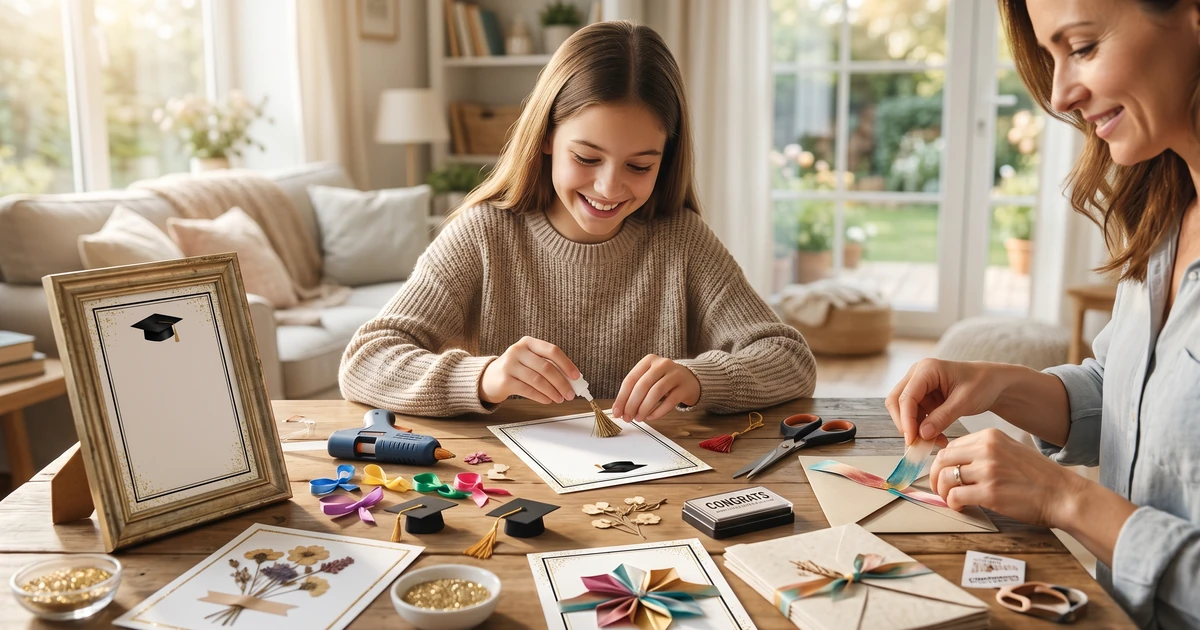
Handmade Cards: This involves physically creating the invitation from scratch using cardstock, embellishments, and handwriting. This is the most time-consuming option but offers the most unique results.
-
Photo Invitations: Incorporating a school photo or a special picture of your graduate adds a personal touch. These can be designed using templates or created from scratch in design software.
-
Digital Invitations: These are sent via email or social media and are an environmentally friendly and cost-effective option. While not technically “handmade,” designing a digital invitation still falls under the realm of DIY.
Pro Tip: Consider your graduate’s personality when selecting a style. A minimalist design might suit a more reserved child, while a vibrant, colorful invitation might be perfect for someone outgoing and creative.
Essential Tools & Materials for DIY Invitations
Before you begin, gathering the necessary tools and materials is essential. Here’s a breakdown with approximate costs:
| Item | Price Range | Notes |
|---|---|---|
| Cardstock (50 sheets) | $10 - $25 | Choose a weight of at least 80lb for a quality feel. |
| Design Software (Canva - Free Version) | $0 | Excellent free option with tons of templates. They also have Canva Pro which is around $12.99/month |
| Printer | $50 - $200+ | Inkjet printers are sufficient for smaller batches. Laser printers offer better quality for larger runs. |
| Paper Cutter or Scissors | $10 - $30 | A paper cutter ensures straight, clean cuts. |
| Embellishments (ribbon, stickers, gems) | $5 - $20 | Optional, but can add a special touch. |
| Envelopes (50 pack) | $10 - $20 | Choose envelopes that complement your cardstock. |
| Glue or Adhesive | $3 - $10 | For attaching embellishments. |
Total Estimated Cost: $38 - $305+ (depending on existing supplies and printer choice)
I’ve found that many people already have a basic supply of craft materials at home, which can significantly reduce the cost. Utilizing existing supplies like patterned paper or stamps can be a fantastic way to save money and add a unique touch.
Step-by-Step: Creating DIY Invitations with Canva
Canva is a popular and accessible design tool perfect for DIY graduation invitations, and, best of all, it’s free to use! Here’s a step-by-step guide:
Step 1: Create a Canva Account
Go to Canva (https://www.canva.com/) and sign up for a free account. You can use your Google or Facebook account to simplify the process.
Step 2: Choose a Template
Search for “graduation invitation” in the Canva template library. You’ll find a huge selection of pre-designed templates. You can also start with a blank canvas if you prefer a completely custom design.
Step 3: Customize the Design
This is where your creativity comes in! Change the colors, fonts, and layout to create a design that reflects your graduate’s personality. Upload photos, add text, and experiment with different elements.
Step 4: Add the Essential Information
As detailed in What to Include on a Middle School Graduation Invitation: Essential Information, make sure to include the graduate’s name, date, time, and location of the ceremony, and RSVP information.
Step 5: Download and Print
Once you’re happy with your design, download it as a high-quality PDF or JPG file. You can then print the invitations at home or at a local print shop. You can learn more helpful wording structure on 10 Creative Middle School Graduation Invitation Wording Examples.
Pro Tip: Before printing a large batch, do a test print to ensure the colors and layout look as expected.
How Much Does DIY Really Cost? A Detailed Breakdown
As mentioned earlier, the cost of DIY invitations can vary considerably. Here’s a more detailed look:
-
Low-End (Simple Printable Template): $15 - $30 (cardstock, envelopes, ink). This assumes you have a printer and basic supplies.
-
Mid-Range (Customizable Template with Embellishments): $30 - $60 (cardstock, envelopes, ink, ribbon, stickers).
-
High-End (Fully Handmade Invitations): $60+ (premium cardstock, embellishments, specialty papers). It’s easy to spend quite a bit if you get carried away with fancy materials!
Compared to the $2-$5 per invitation cost for professionally printed invitations, DIY can save you 30-75% or more, especially if you have a large guest list.
Avoiding Common DIY Invitation Mistakes
Even with detailed planning, mistakes can happen. Here’s what to watch out for:
-
Poor Print Quality: Ensure your printer has sufficient ink and is set to the highest quality print settings. If your printer struggles with thicker cardstock, consider using a professional print shop.
-
Inaccurate Cuts: A dull blade or unsteady hand can lead to uneven cuts. Invest in a good paper cutter and practice before cutting your final invitations.
-
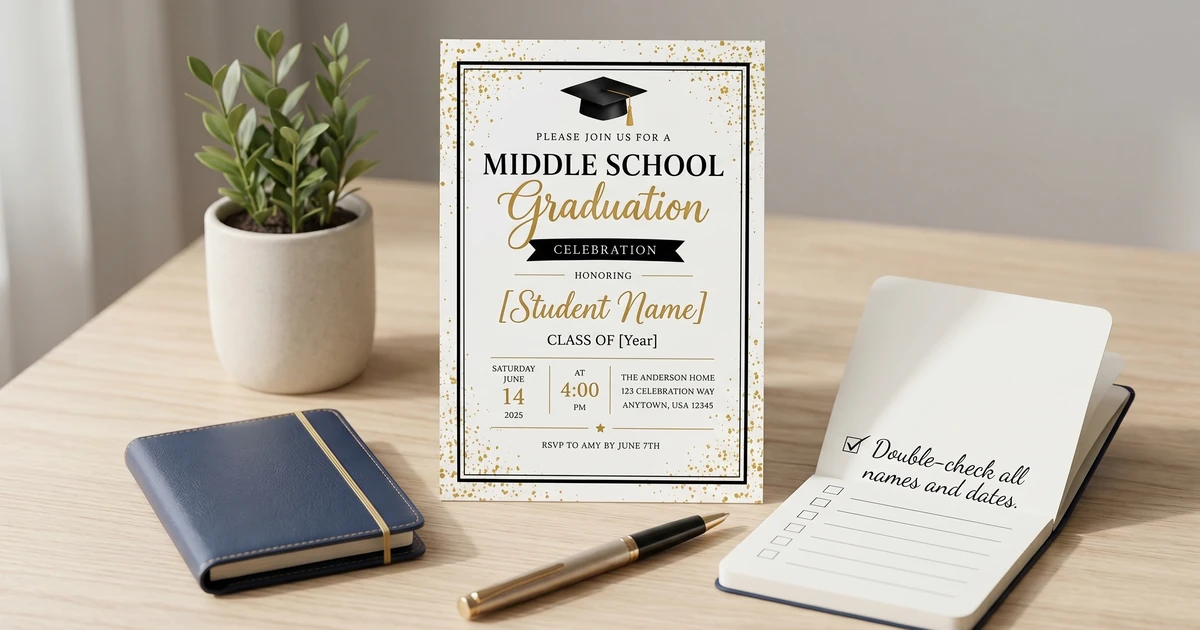
Typos & Errors: Proofread your invitation carefully before printing. Ask a friend or family member to review it as well.
-
Insufficient Time: DIY invitations take time! Start the process well in advance of the graduation ceremony to avoid last-minute stress. Consider a timeline of 4-6 weeks for design, printing, and assembly.
When is DIY Not the Right Choice?
While DIY invitations are fantastic for many, they aren’t always the best option. DIY is not recommended if:
-
You’re extremely short on time: The process can be surprisingly time-consuming.
-
You lack design skills: A poorly designed invitation can look unprofessional.
-
You need a very large quantity of invitations: Printing hundreds of invitations at home can be a logistical nightmare.
-
You desire a highly sophisticated or intricate design: Some designs are simply too complex to create effectively at home.
Frequently Asked Questions (FAQs) about DIY Graduation Invitations
Q: Can I use free fonts for my DIY invitations? A: Absolutely! Canva and other design platforms offer a vast library of free fonts. Just be sure to check the licensing terms to ensure they are permitted for commercial or personal use.
Q: What’s the best type of cardstock for DIY invitations? A: A weight of 80lb or higher is generally recommended. Smooth cardstock is ideal for printing, while textured cardstock adds a more luxurious feel.
Q: How far in advance should I send out DIY graduation invitations? A: Aim to send them out 4-6 weeks before the graduation ceremony. This gives guests enough time to make travel arrangements and RSVP.
Q: Can I design my invitation in Canva and have it professionally printed? A: Yes, you can download your design from Canva as a high-resolution PDF and upload it to a local or online print shop.
Q: What if I make a mistake after printing a batch of invitations? A: Unfortunately, correcting errors after printing can be difficult. If the mistake is minor, you might be able to cover it with a sticker or embellishment. For significant errors, you may need to reprint a new batch.
Q: Should I avoid using glitter in my DIY invitations? A: Yes, glitter can be messy and difficult to clean up, potentially causing issues for the recipient. If you want some sparkle, consider using glitter cardstock or embellishments instead.
Q: Is DIYing invitations worth the effort when I’m very busy? A: Honestly, if you’re already overwhelmed, professional templates might be a better route. A beautifully designed, pre-made invitation, like those offered at Middle School Graduation Invitation Templates: Celebrate Their Achievement with KubbyLab will save valuable time and reduce your stress.
Q: I want to hand-deliver some invitations – can I use a less sturdy cardstock to save money? A: While you can, I recommend against it. Even hand-delivered invitations benefit from a substantial feel. Cheap cardstock can easily bend or tear, impacting the overall impression.
I hope this comprehensive guide gives you the confidence to create beautiful and personalized DIY graduation invitations that you and your graduate will cherish for years to come. Remember to check out How to Personalize Middle School Graduation Invitations: A Step-by-Step Guide for even more ideas on making your invitations truly special!