

Forgot the Invites? Edit Instantly!
No shipping delays. Download, customize, and send them out in 5 minutes.
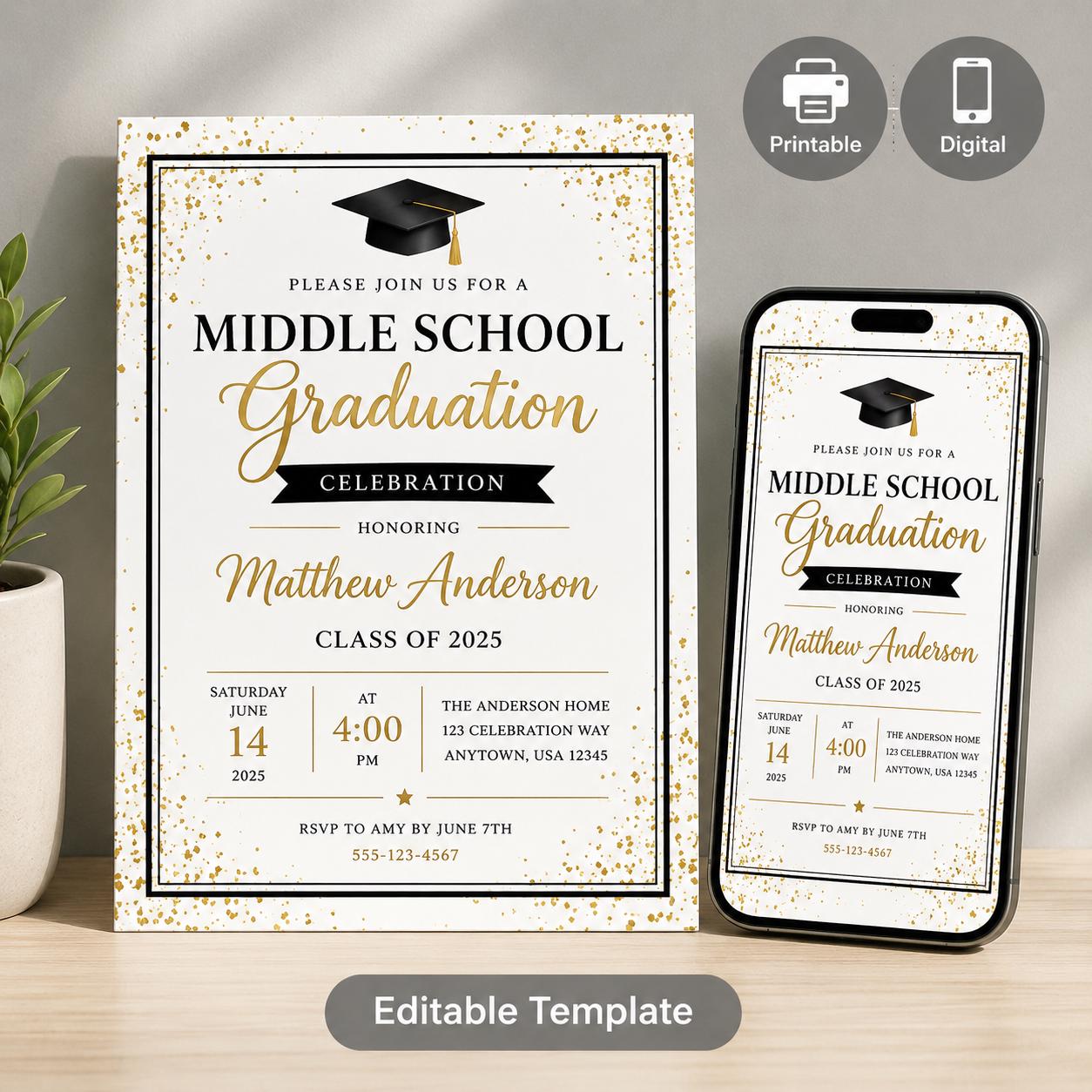
Last-Minute Grad Invites: When Life Gets Away From You
Last-minute middle school graduation invitations can feel stressful, especially when the ceremony is close and the guest list is finally locked. The priority is simple: get clear, attractive details to family and friends quickly, without rebuilding the whole event plan.
DISCOVERY ACTIVITY WORKBOOKEditable Middle School Graduation Invitation Templates (Canva & Mobile)
A versatile suite of three customizable Canva templates designed to make end-of-year graduation coordination simple. Busy parents and school administrators can easily customize formal letters, printable 5x7 invites, and text-friendly mobile evites to keep pare
Key Takeaways:
- Digital invitations are your fastest friend.
- Utilize pre-made templates to save time and design effort.
- Prioritize essential information: who, what, when, where.
- Don’t stress the small stuff – a heartfelt message matters most.
In last-minute invitation planning, perfect is often the enemy of done. Your goal right now isn’t a Pinterest-worthy masterpiece; it’s getting information to your loved ones so they can celebrate this huge milestone with you. I’ll walk you through some realistic, stress-reducing strategies.
Speed Options: What’s Realistic in a Pinch?
Let’s break down ways to get invites out quickly, from fastest to more involved.
1. Digital Invitations (1-24 Hours): This is your absolute fastest route. Services like Evite, Punchbowl, and even Facebook Events are lifesavers. They allow you to quickly upload a design (or use one of theirs!), and send to your entire list instantly. The downsides? Some might consider them less formal, and managing RSVPs can be a little clunky depending on the platform.
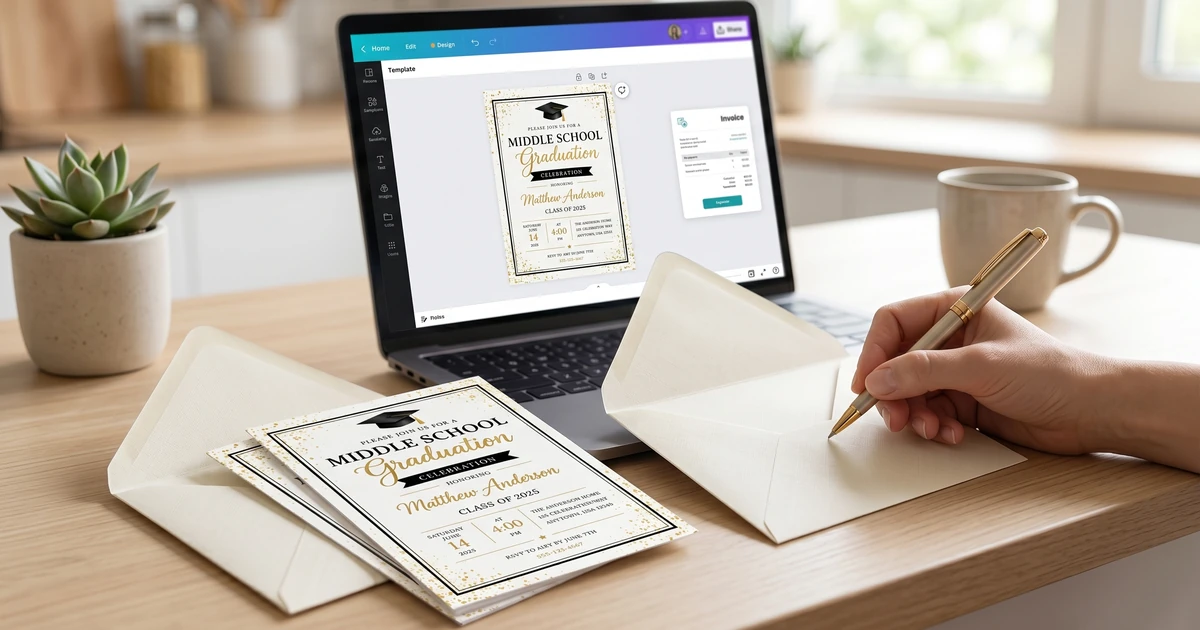
2. Printable Templates (24-72 Hours): This is where KubbyLab comes in, but I’ll be honest, there are a ton of options out there. Sites like Etsy and Canva offer thousands of pre-designed templates you can customize and print at home or at a local print shop. This offers a good balance of customization and speed. I’ve seen consistent reports from owners that using a pre-made template cuts design time dramatically.
3. Semi-Custom Designs (3-5 Days): If you have a little bit of graphic design skill (or a friend who does!), you can start with a base template and modify it significantly. Sites like Canva Pro (though not required for many templates!) offer more sophisticated editing features.
4. DIY from Scratch (5+ Days - Not Recommended): Unless you enjoy graphic design and have ample time, starting from a blank canvas is simply not practical when you’re on a tight deadline.
Step-by-Step: Getting Digital Invites Done Today
If you’re reading this the day before you hoped to send invites, focus on digital. Here’s how to make it happen:
Step 1: Finalize Your Guest List
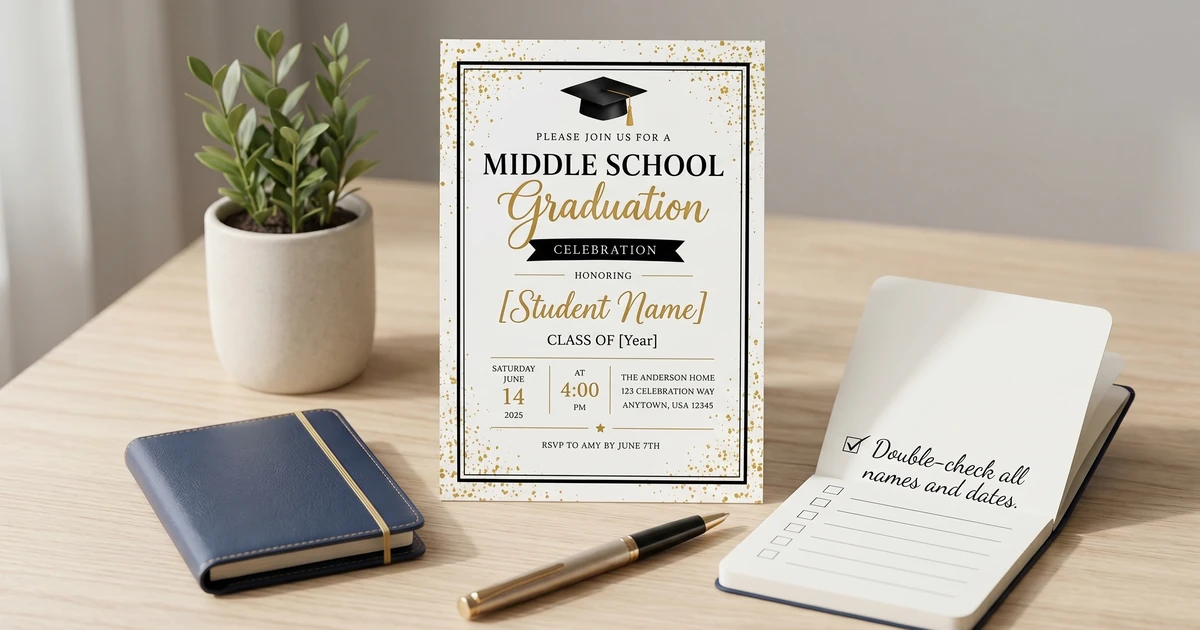
Double-check everything. Spelling counts! It’s easy to miss someone in a panic.
Step 2: Choose a Platform
Evite and Punchbowl are popular for their invitation-specific features. Facebook Events are great if most of your guests are active on Facebook.
Step 3: Select a Design
Keep it simple. Avoid overly complicated animations or designs that might not render well on all devices.
Step 4: Input Essential Information
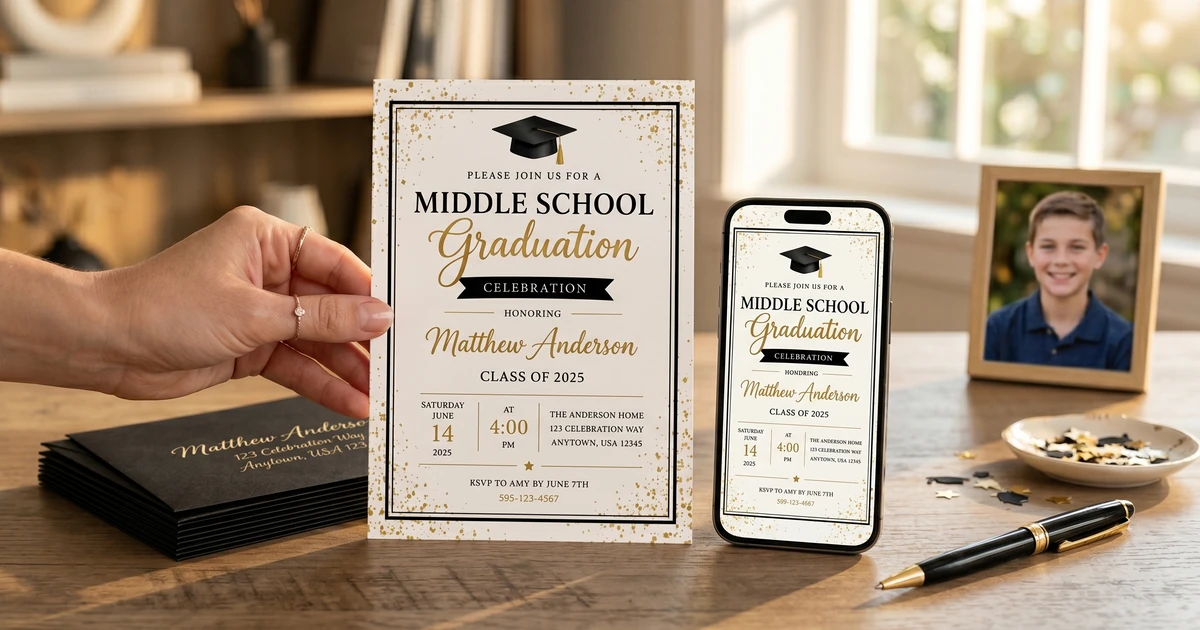
See “What to Include on a Middle School Graduation Invitation: Essential Information” for a complete checklist, but absolutely include: * Graduate’s Name * Date & Time of Ceremony * Location of Ceremony * Reception Details (if applicable - location, time, etc.) * RSVP Information (email/phone number/link)
Step 5: Send and Track
Send a test invite to yourself first to make sure everything looks right. Then hit send! Most platforms have RSVP tracking features - utilize them.
Printable Templates: Speed & Style Combined
If you can spare a day or two for printing, a printable template is a great option. Here’s what to look for:
What to Look For in a Printable Template
| Feature | Importance | Notes |
|---|---|---|
| Editable Fields | High | Ensure you can easily change names, dates, times, and locations. |
| File Format | High | Look for templates in formats like Word, PDF, or Canva. |
| Digital Download | High | Avoid physical templates that need shipping. |
| Customer Reviews | Medium | Check what other buyers have said about the template’s ease of use. |
| Price | Low-Medium | Templates generally range from $5 - $20, but can be found for free. |
Pro Tip: Don’t get bogged down in font choices! Use the suggested fonts or stick with a simple, readable option like Arial or Times New Roman.
What About Printing?
You have a few options. Printing at home can be cost-effective if you have a good quality color printer and card stock. However, for larger batches, a local print shop is usually faster and produces better results. Many offer same-day printing services, but call ahead to confirm.
Cost Breakdown (Printing):
| Item | Price Range | Notes |
|---|---|---|
| Card Stock (50 sheets) | $15 - $30 | Varies based on weight and finish. |
| Ink Cartridge (replacement) | $20 - $50 | If you’re printing a lot. |
| Print Shop (per invitation) | $0.50 - $2.00 | Typically includes printing & trimming. |
Common Mistakes to Avoid (Even When Rushed)
Even when pressed for time, avoid these pitfalls:
-
Typos! I can’t stress this enough. Proofread everything. Have a friend or family member review it too.
-
Missing Information: You’d be surprised how often people forget to include the location!
-
Unclear RSVP Instructions: Tell people how to respond and by when.
-
Low-Resolution Images: If you’re including a photo, make sure it’s high quality.
Don’t let perfection be the enemy of good. A simple, informative invitation delivered on time is far better than an elaborate one that arrives late. For more detailed guidance on avoiding common errors check out Middle School Graduation Invitation Mistakes to Avoid: A Checklist for Parents.
FAQ: Last-Minute Invitation Stress
Q: Is it okay to send digital invitations for a middle school graduation?
A: Absolutely! While traditional paper invitations are lovely, digital invitations are perfectly acceptable, especially when you’re short on time. Many families opt for digital invites to streamline the process.
Q: What if I don’t have time to design anything?
A: Utilize pre-made templates! Sites like KubbyLab, Etsy, and Canva offer a huge selection of options where you only need to change the text.
Q: I forgot to include something important in the invites I already sent. What do I do?
A: Send a follow-up email or message to your guests clarifying the missing information. A quick, direct message is perfectly acceptable.
Q: Is it rude to ask for RSVPs digitally?
A: Not at all. It’s standard practice now. Just make sure to provide clear instructions on how to respond. You can also explore platforms that integrate RSVP tracking.
If you’re feeling overwhelmed and want even more detail and options, be sure to read the Complete Guide! It covers everything from wording suggestions (10 Creative Middle School Graduation Invitation Wording Examples) to personalization ideas (How to Personalize Middle School Graduation Invitations: A Step-by-Step Guide) and even party planning (Mom’s Guide: Planning a Stress-Free Middle School Graduation Party). You’ve got this!
Take the Next Step!
Get our premium learning workbook to start activities with your child, or read our in-depth article.
Recommended Resources & Workbooks
Pair this guide with our hands-on, ready-to-print learning resources.
 Digital Bundle
 Learn to Read Program: Levels 1-3
170 sequenced phonics lessons across 199 pages, from first letter sounds to fluent long-vowel reading.
 Digital Learning Bundle
 Preschool Learning Bundle
260+ printable worksheets for tracing, ABCs, numbers, shapes, sight words, and kindergarten prep.
 Digital Learning Bundle
 Play-Based Learning Bundle for Ages 3-6
230+ play-based learning activities with pretend play, reading, early math, creative arts, and bonus flashcards.
Related Guides & Articles
Explore more of our detailed guides and activities.

Middle School Graduation Invitation Templates: Celebrate Their Achievement with KubbyLab
Practical middle school graduation invitation guidance with editable templates, planning tips, and budget-friendly options.

DIY Middle School Graduation Invitation Ideas: Budget-Friendly & Unique
Practical middle school graduation invitation guidance with editable templates, planning tips, and budget-friendly options.
How Much Do Middle School Graduation Invitations Cost in 2024?
Practical middle school graduation invitation guidance with editable templates, planning tips, and budget-friendly options.
What to Include on a Middle School Graduation Invitation: Essential Information
Practical middle school graduation invitation guidance with editable templates, planning tips, and budget-friendly options.
Middle School Graduation Invitation Mistakes to Avoid: A Checklist for Parents
Practical middle school graduation invitation guidance with editable templates, planning tips, and budget-friendly options.

10 Creative Middle School Graduation Invitation Wording Examples
Practical middle school graduation invitation guidance with editable templates, planning tips, and budget-friendly options.

Mom's Guide: Planning a Stress-Free Middle School Graduation Party
Practical middle school graduation invitation guidance with editable templates, planning tips, and budget-friendly options.

Best Middle School Graduation Invitation Templates: Printable & Customizable Designs
Practical middle school graduation invitation guidance with editable templates, planning tips, and budget-friendly options.

How to Personalize Middle School Graduation Invitations: A Step-by-Step Guide
Practical middle school graduation invitation guidance with editable templates, planning tips, and budget-friendly options.